
Performs security scans using Trivy to identify vulnerabilities and generate Software Bill of Materials (SBOM) in CycloneDX format.
Click on "Install Server".
Wait a few minutes for the server to deploy. Once ready, it will show a "Started" state.
In the chat, type
@followed by the MCP server name and your instructions, e.g., "@MCP SBOM ServerScan the current directory and generate a CycloneDX SBOM."
That's it! The server will respond to your query, and you can continue using it as needed.
Here is a step-by-step guide with screenshots.
MCP SBOM Server


MCP server to perform a Trivy scan and produce an SBOM in CycloneDX format.
Installation
Prerequisites
Install the following.
MCP Clients
Configuration
Building
This project employsuv.
Synchronize dependencies and update the lockfile.
Debugging
MCP Inspector
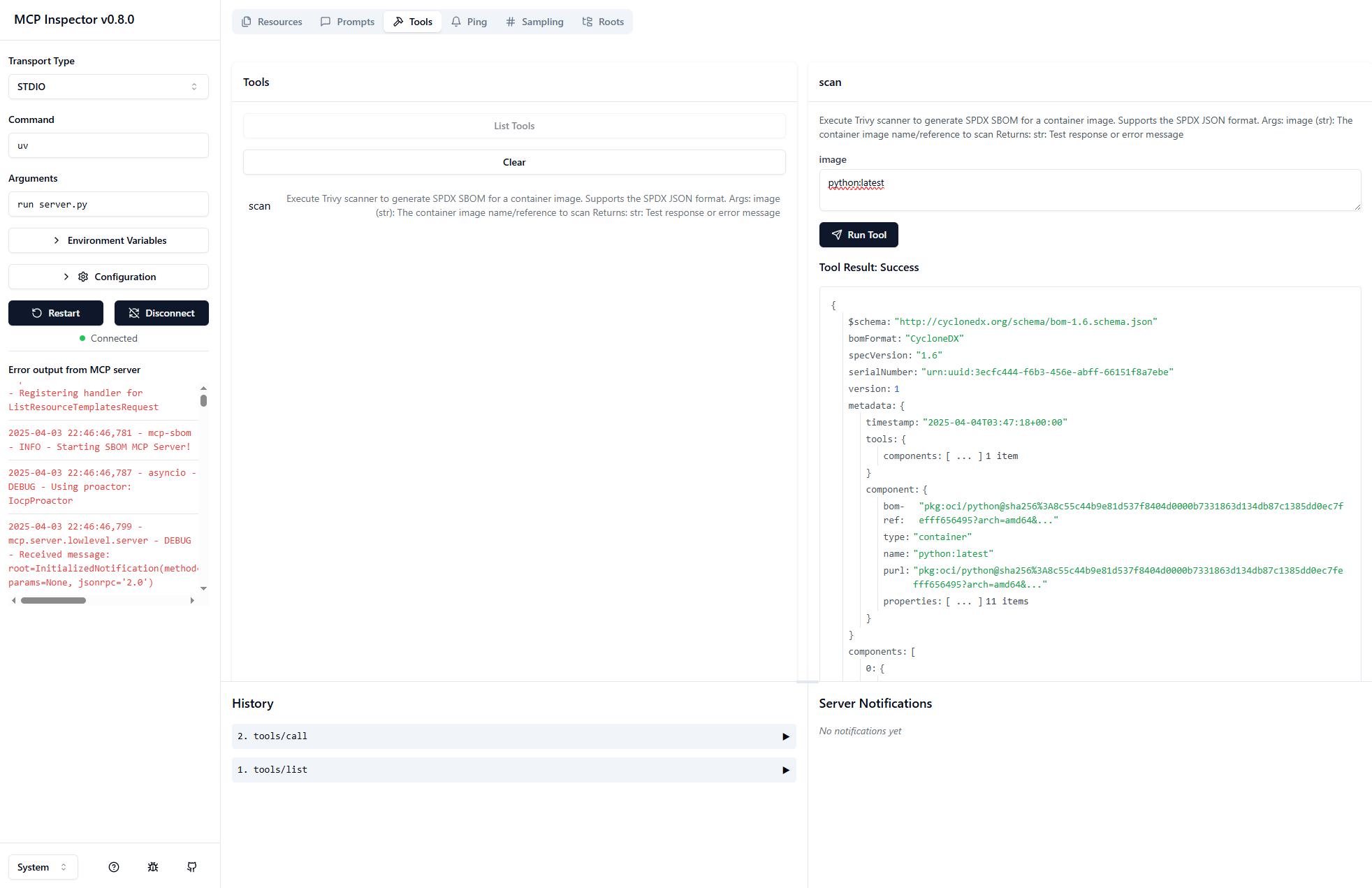
Use MCP Inspector.
Launch the MCP Inspector as follows:
Windows
When running on Windows, use paths of the style: