
Allows access to Iconify's icon repository API, enabling users to search, browse, and retrieve SVG icons by description or name from various icon sets without leaving the chat interface.
Retrieves SVG code for icons, allowing direct access to vector graphics that can be used in UI/UX design and frontend development projects.
Click on "Install Server".
Wait a few minutes for the server to deploy. Once ready, it will show a "Started" state.
In the chat, type
@followed by the MCP server name and your instructions, e.g., "@PickAPIcon MCPget a search icon from the Material Design set"
That's it! The server will respond to your query, and you can continue using it as needed.
Here is a step-by-step guide with screenshots.
pickapicon-mcp

Description
This is a mcp for FE/UI/Designer to get SVG By Iconify API.
By using pickapicon-mcp, You just need to ask LLMs to get what you need instead of going to the website to find svg and copying stupidly.
It can make your workflow to get svg simplify, Dancing with MCP & LLMs 😎.
👉👉 Icon Repo WebSite Iconify 👈👈
Related MCP server: MCP SVG Converter
Tools
get_icon_repos
get all repo name, for other tools param
<prefix>
get_icons_by_desc_and_prefix
get icons by inputting desc what you want and prefix
inputs:
desc: desc what you want
prefix?: prefix
get_icon_detail_by_prefix_and_name
get icon detail (SVG code) by prefix and svg name
inputs:
svg_name: svg name
prefix?: prefix
QuickStart
Installing via Smithery
To install Pickapicon MCP for Claude Desktop automatically via Smithery:
npx -y @smithery/cli install @Leee62/pickapicon-mcp --client claudethis is MCP Server Config
  "mcpServers": {
    "pickapicon-mcp": {
      "type": "stdio",
      "command": "npx",
      "args": [
        "-y",
        "pickapicon-mcp@latest"
      ],
      "env": {
        "PREFIX": "<LIKE ant-design>"
      }
    }
  }
Case
Quickly get svgs about COMPONENT / PAGE
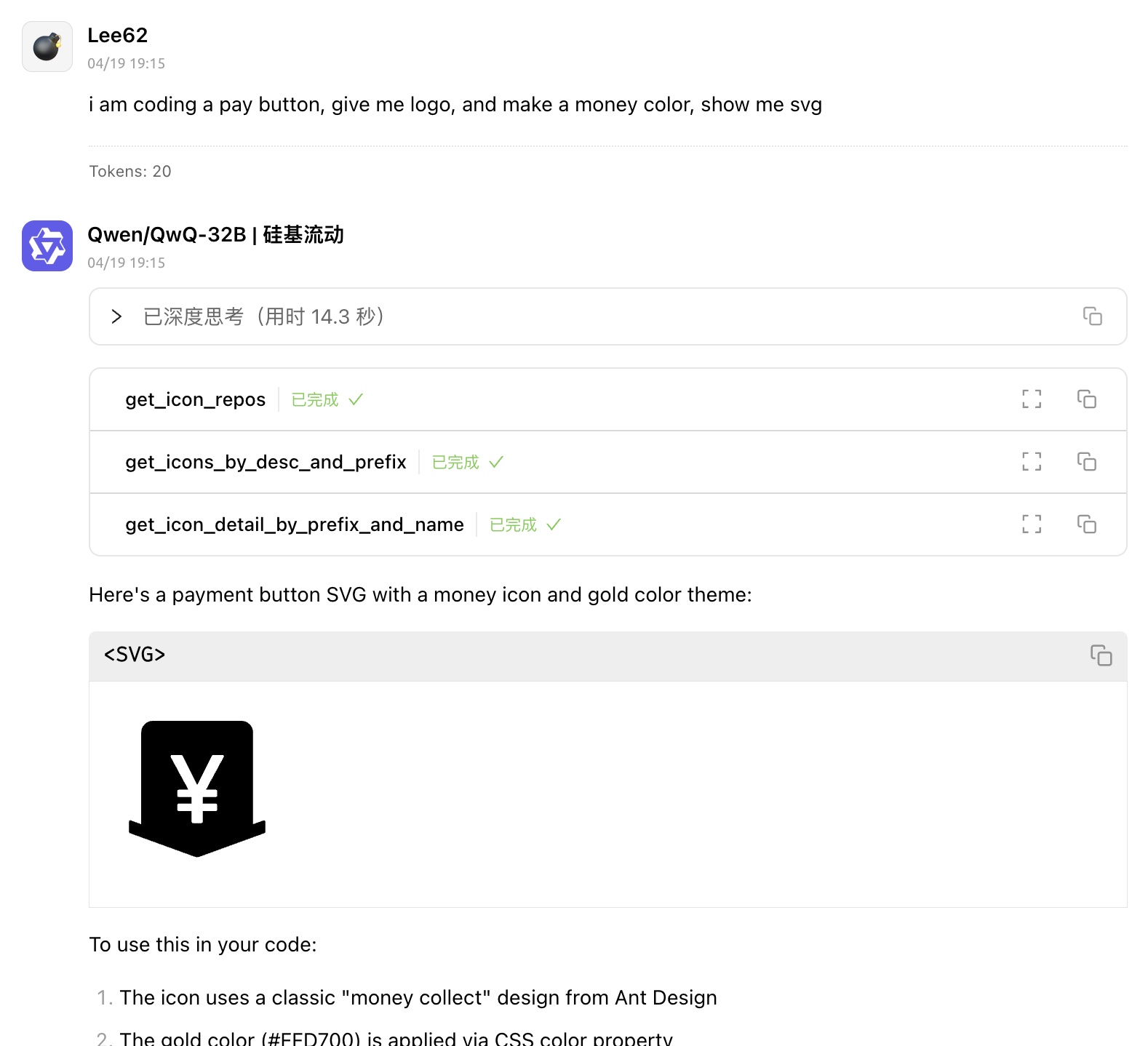
get svg with Modern Design Color
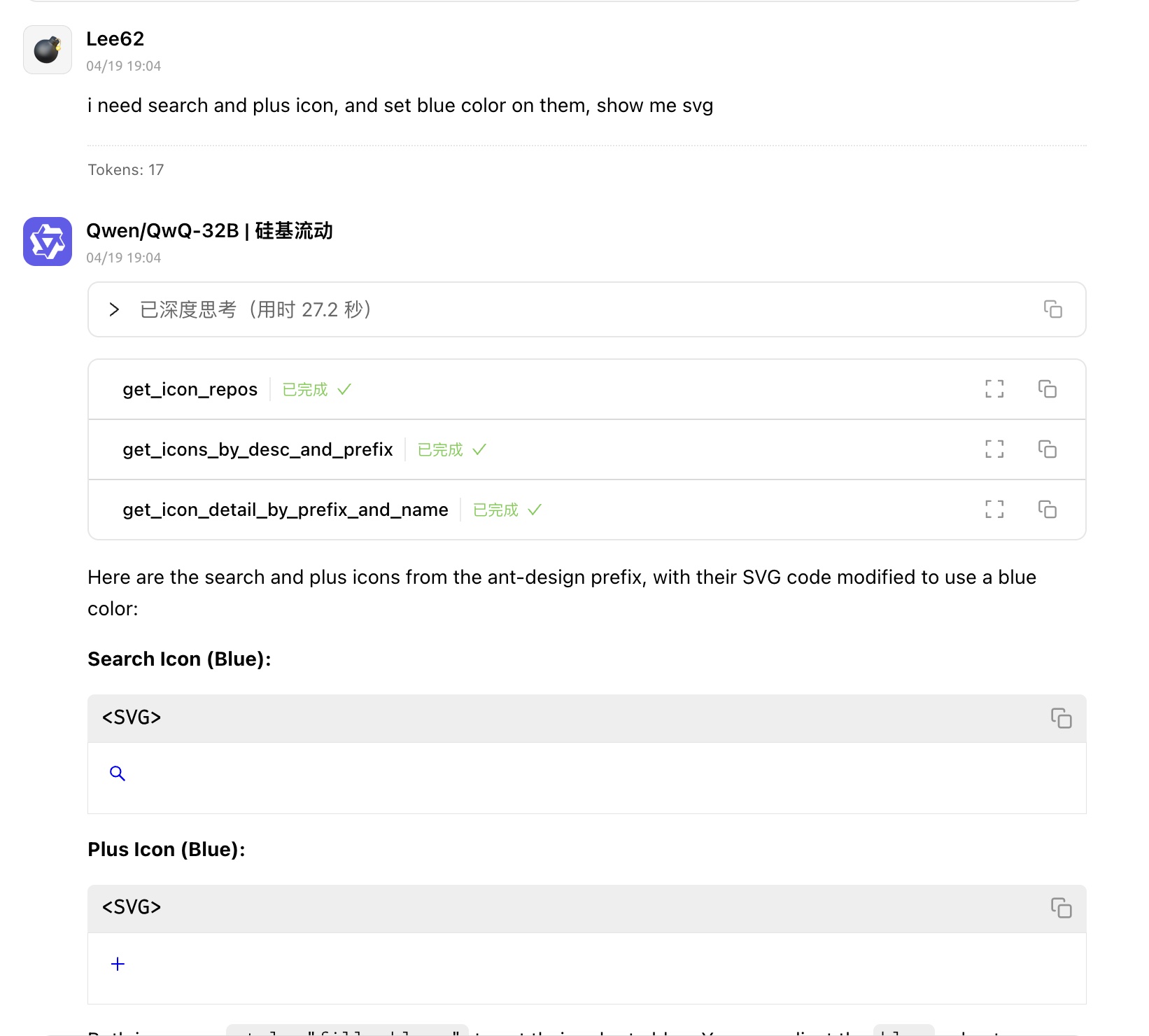
License
MIT
Resources
Unclaimed servers have limited discoverability.
Looking for Admin?
If you are the server author, to access and configure the admin panel.