
Click on "Install Server".
Wait a few minutes for the server to deploy. Once ready, it will show a "Started" state.
In the chat, type
@followed by the MCP server name and your instructions, e.g., "@iCloud Calendar MCPAdd a dinner reservation for this Friday at 7 PM"
That's it! The server will respond to your query, and you can continue using it as needed.
Here is a step-by-step guide with screenshots.
iCloud Calendar MCP
An MCP server letting you see and create events in you iCloud Calendar
Setup
Here is a detailed guide for setting up the MCP server for yourself:
Locally
This is how you set up the MCP server locally on your machine.
First, you need to clone this repository, and create a .env file in the root folder of the project. In the .env file you will need to set 2 variables like this:
ICLOUD_APPLE_ID="email@example.com"
ICLOUD_APP_PWD="xxxx-xxxx-xxxx-xxxx"
Where the ICLOUD_APPLE_ID is your iCloud email address.
The ICLOUD_APP_PWD you will get by visiting account.apple.com and logging in. You will then click "App-specific passwords" and create a new. You can call this whatever you want, but make sure to copy the password when it is created, because you will not be able to see it afterwards.
When these variables are set in the .env file, you are ready to add the MCP server to your preferred LLM. In this example, i will be using Claude Desktop.
Open claude, and using the hamburger menu in the top-left corner, navigate to "File>Settings>Developer>Local MCP Servers". Click "Edit Config" and open the JSON file in a code editor. In the JSON file, insert this:
{
  "mcpServers": {
    "calendar": {
      "command": "python",
      "args": [
        "/Users/herman/Source/Repos/icloud-calendar-mcp-python/main.py"
      ]
    }
  }
}
But change the source of the MCP server to where you have your located.
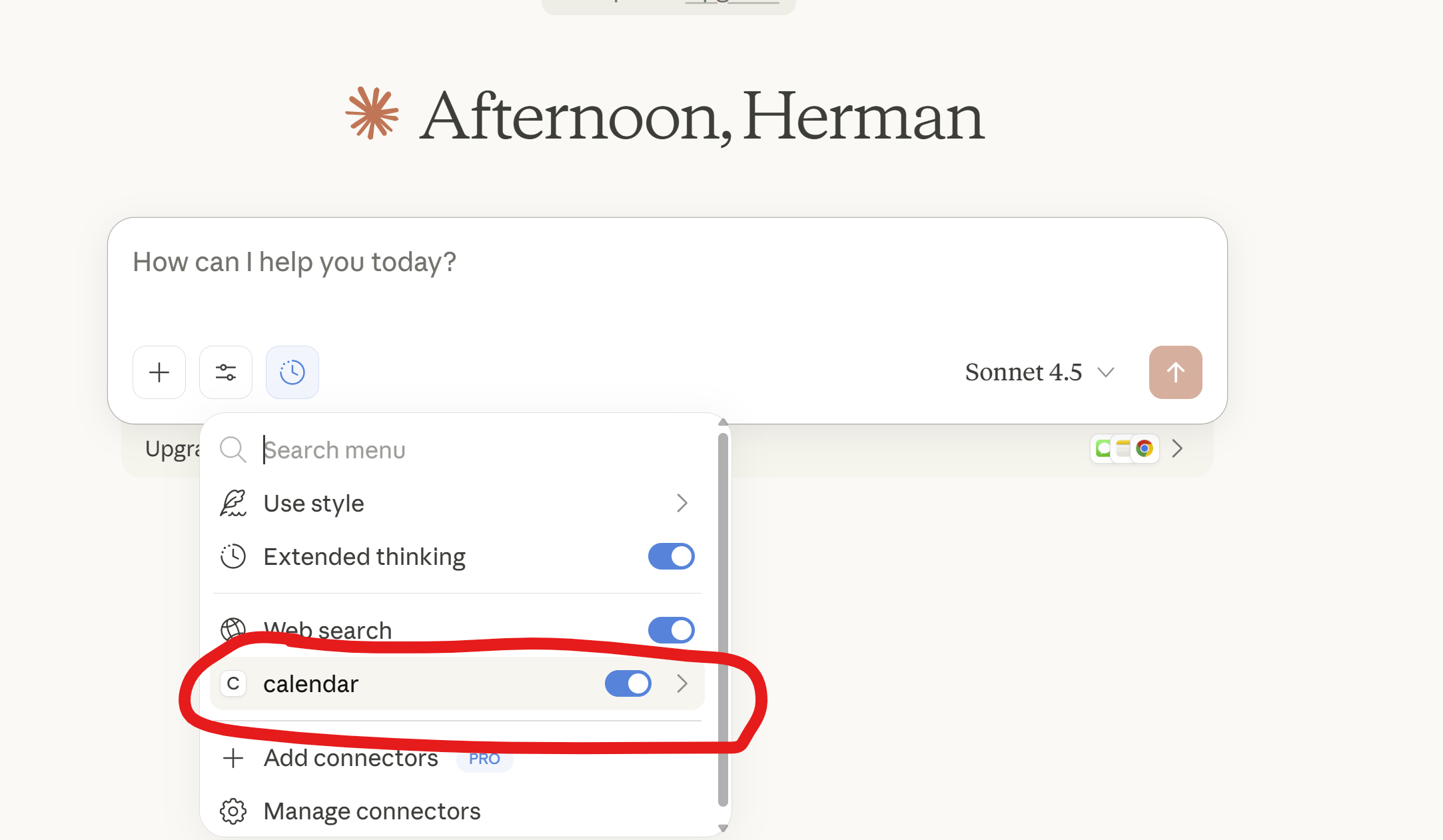
You will then need to restart Claude Desktop, and make sure the "calendar" tool is enabled:
On the internet (using FastMCP Cloud)
This is how you deploy the MCP server on the internet and connect to it using Docker and deploying as container app.
(Not yet finished)
On the internet (using Docker)
This is how you deploy the MCP server on the internet and connect to it using Docker and deploying as container app.
(Not yet finished)
Contribution
If you want to contribute to this project, you are very free to do.
Just create an issue or open a pull request :P