
Click on "Install Server".
Wait a few minutes for the server to deploy. Once ready, it will show a "Started" state.
In the chat, type
@followed by the MCP server name and your instructions, e.g., "@Chunky MCPchunk and read the large database export I just generated"
That's it! The server will respond to your query, and you can continue using it as needed.
Here is a step-by-step guide with screenshots.
chunky-mcp
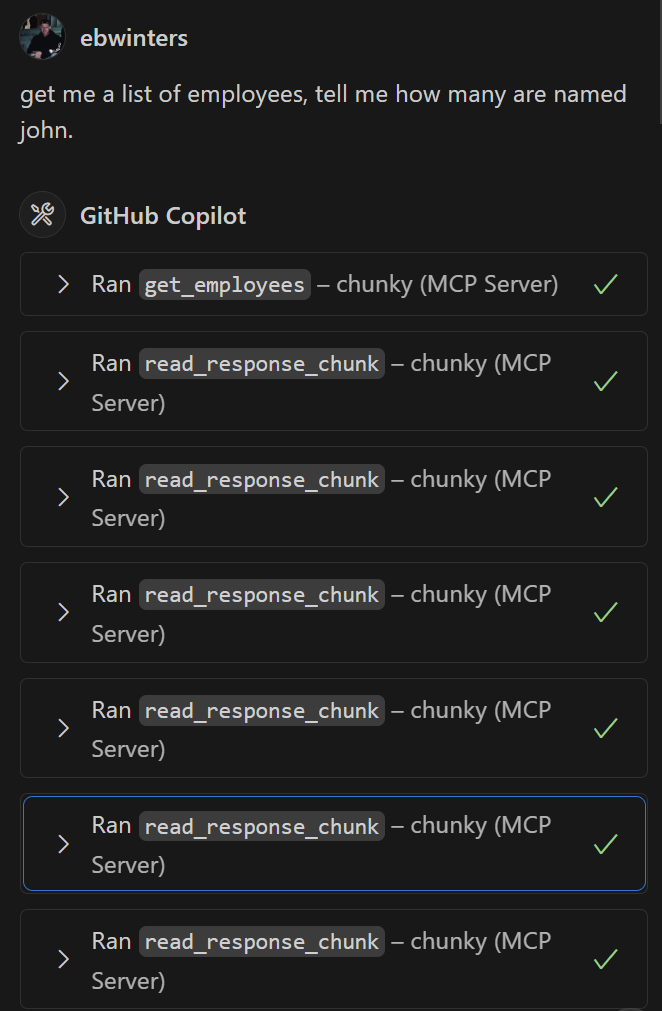
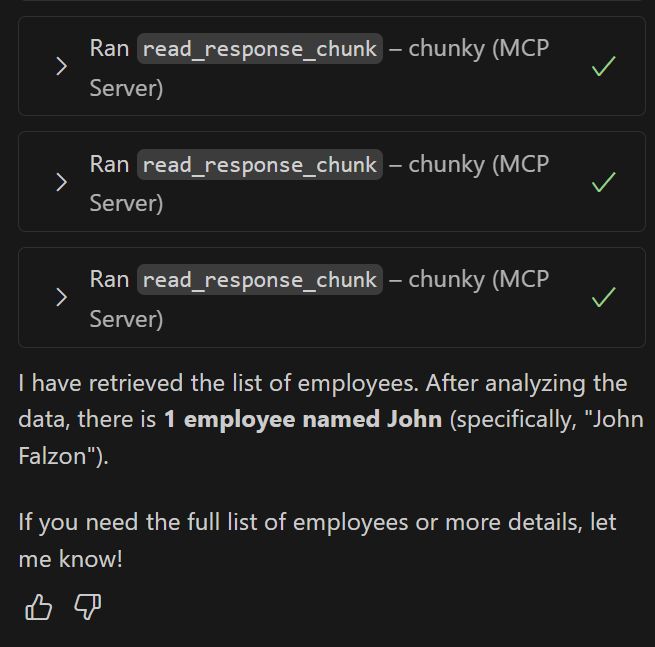
An MCP server to handle chunking and reading large responses
Before:
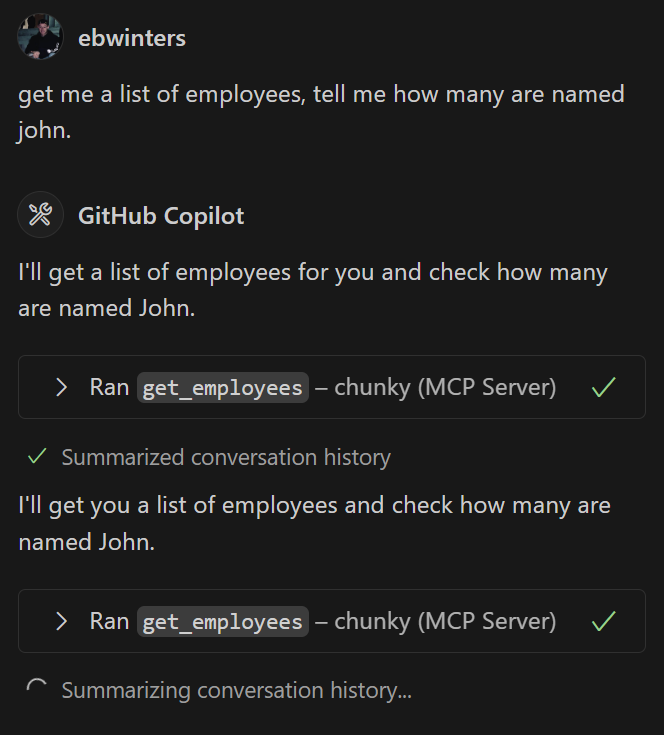
After:
Quick Install
Using Pip
Cloning
git clone https://github.com/ebwinters/chunky-mcp.gitcd chunky-mcppip install -e .
Related MCP server: mcp-server-collector
Usage
Import the helper in your tool:
from chunky_mcp_utils import handle_large_response
@mcp.tool()
def my_tool() -> list[types.TextContent]:
"""
Gets a list of all the employees in the system from the database
"""
# Call might give a large JSON response
response = requests.get("https://someblob.com")
response_data = response.json()
# Chunker handles the large response and calls following read chunk tools
return handle_large_response(
response_data,
my_tool.__name__,
_chunker
)
Add MCP entry
"chunky": {
"type": "stdio",
"command": "chunky-mcp",
"args": []
}
Dev Setup
Install
uvuv venv.\.venv\Scripts\activateuv sync