Excalidraw MCP App Server
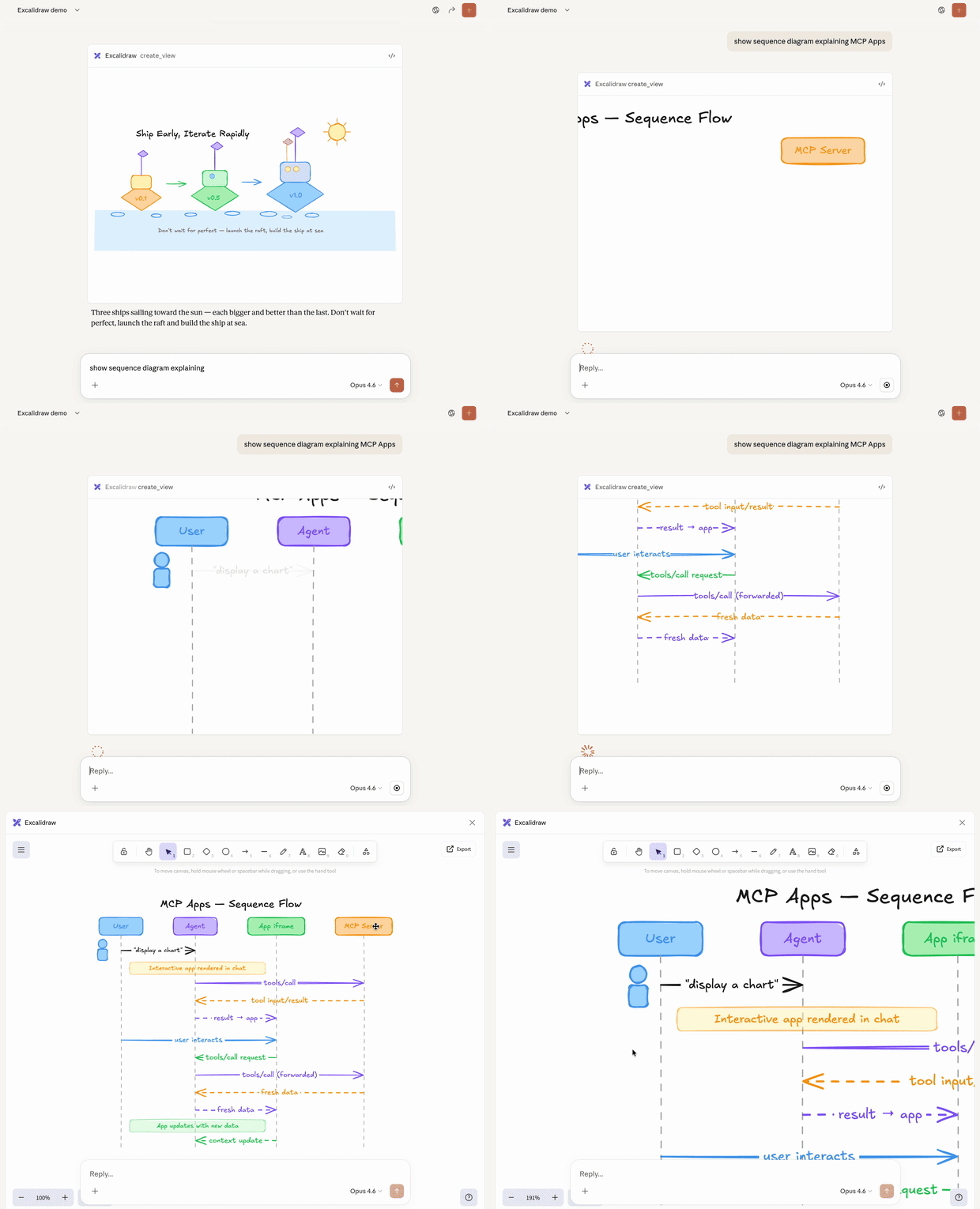
MCP server that streams hand-drawn Excalidraw diagrams with smooth viewport camera control and interactive fullscreen editing.
Install
Works with any client that supports MCP Apps — Claude, ChatGPT, VS Code, Goose, and others. If something doesn't work, please open an issue.
Remote (recommended)
https://excalidraw-mcp-app.vercel.app/mcp
Add as a remote MCP server in your client. For example, in claude.ai: Settings → Connectors → Add custom connector → paste the URL above.
Local
Option A: Download Extension
Download excalidraw-mcp-app.mcpb from Releases
Double-click to install in Claude Desktop
Option B: Build from Source
git clone https://github.com/antonpk1/excalidraw-mcp-app.git
cd excalidraw-mcp-app
npm install && npm run build
Add to ~/Library/Application Support/Claude/claude_desktop_config.json:
{
  "mcpServers": {
    "excalidraw": {
      "command": "node",
      "args": ["/path/to/excalidraw-mcp-app/dist/index.js", "--stdio"]
    }
  }
}
Restart Claude Desktop.
Related MCP server: excalidraw-mcp
Usage
Example prompts:
What are MCP Apps and how can I build one?
Text responses can only go so far. Sometimes users need to interact with data, not just read about it. MCP Apps is an official Model Context Protocol extension that lets servers return interactive HTML interfaces (data visualizations, forms, dashboards) that render directly in the chat.
Contributing
PRs welcome! See Local above for build instructions.
Deploy your own instance
You can deploy your own copy to Vercel in a few clicks:
Fork this repo
Go to vercel.com/new and import your fork
No environment variables needed — just deploy
Your server will be at https://your-project.vercel.app/mcp
Release checklist
# 1. Bump version in manifest.json and package.json
# 2. Build and pack
npm run build && mcpb pack .

# 3. Create GitHub release
gh release create v0.3.0 excalidraw-mcp-app.mcpb --title "v0.3.0" --notes "What changed"

# 4. Deploy to Vercel
vercel --prod
Credits
Built with Excalidraw — a virtual whiteboard for sketching hand-drawn like diagrams.
License
MIT


