Click on "Install Server".
Wait a few minutes for the server to deploy. Once ready, it will show a "Started" state.
In the chat, type
@followed by the MCP server name and your instructions, e.g., "@Chunky MCPchunk and read the large database export I just generated"
That's it! The server will respond to your query, and you can continue using it as needed.
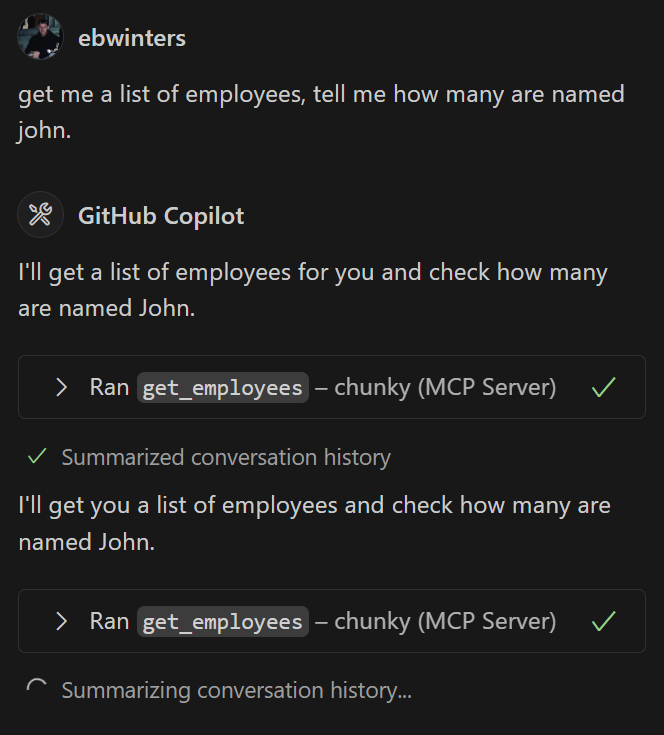
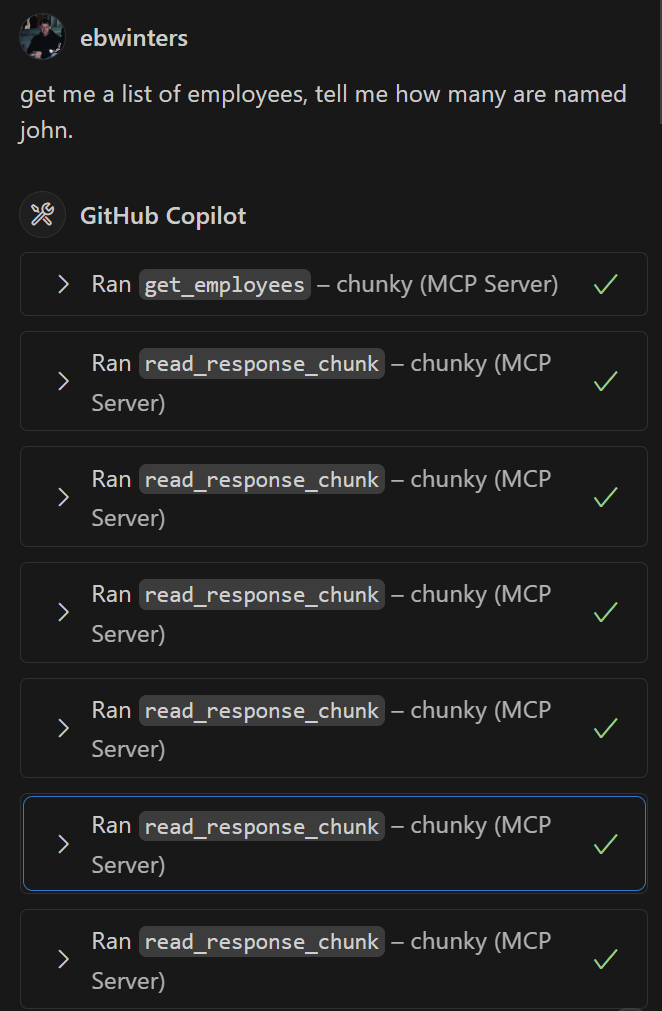
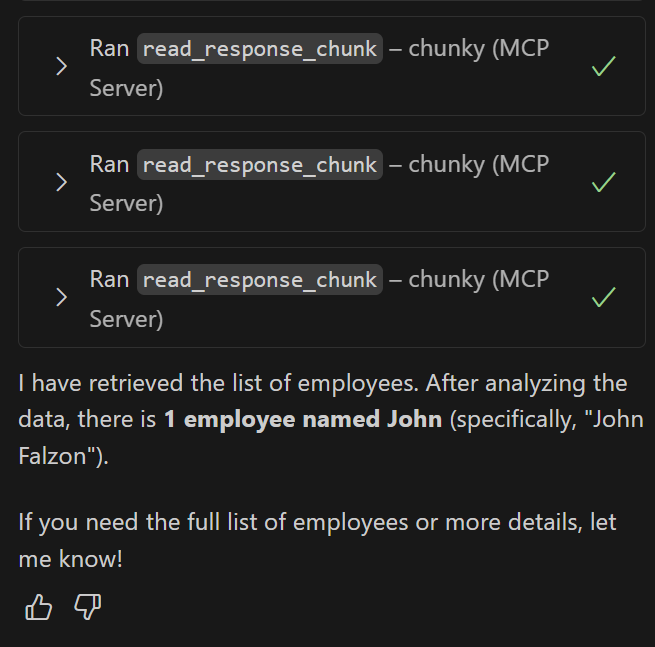
Here is a step-by-step guide with screenshots.
chunky-mcp
An MCP server to handle chunking and reading large responses
Before:

After:


Quick Install
Using Pip
Cloning
git clone https://github.com/ebwinters/chunky-mcp.gitcd chunky-mcppip install -e .
Related MCP server: mcp-server-collector
Usage
Import the helper in your tool:
from chunky_mcp_utils import handle_large_response
@mcp.tool()
def my_tool() -> list[types.TextContent]:
"""
Gets a list of all the employees in the system from the database
"""
# Call might give a large JSON response
response = requests.get("https://someblob.com")
response_data = response.json()
# Chunker handles the large response and calls following read chunk tools
return handle_large_response(
response_data,
my_tool.__name__,
_chunker
)Add MCP entry
"chunky": {
"type": "stdio",
"command": "chunky-mcp",
"args": []
}Dev Setup
Install
uvuv venv.\.venv\Scripts\activateuv sync
This server cannot be installed
Resources
Unclaimed servers have limited discoverability.
Looking for Admin?
If you are the server author, to access and configure the admin panel.