A
licenseNot graded
qualityA
maintenanceA Model Context Protocol server plugin for SiYuan note-taking application that enables searching documents, retrieving content, and writing to notes through an HTTP-based interface.
44
AGPL 3.0

Provides tools for working with MDX dictionary files, allowing lookup of words, searching for patterns, finding similar words through fuzzy matching, and managing dictionary collections with detailed metadata access.
Click on "Deploy Server".
Wait a few minutes for the server to deploy. Once ready, it will show a "Started" state.
In the chat, type @ followed by the MCP server name and your instructions, e.g., "@MDict MCP Server define 'serendipity' from the Oxford English Dictionary"
That's it! The server will respond to your query, and you can continue using it as needed.
Here is a step-by-step guide with screenshots.
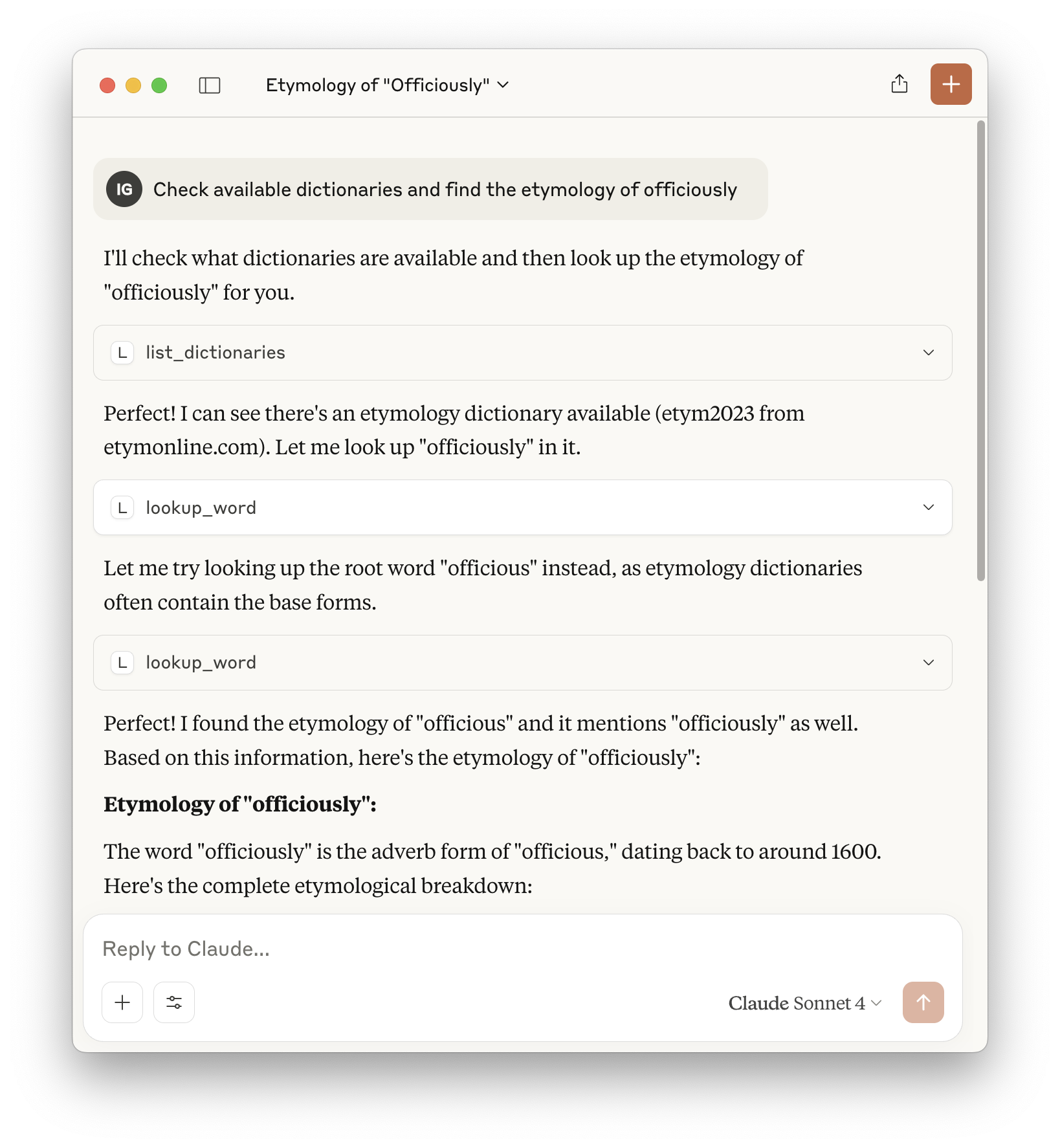
Available Tools: TOOLS.md
Dependencies:
mcp
mdict-utils
Configs:
{
  "mcpServers": {
    "mdict": {
      "command": "uvx",
      "args": [
        "mdict-mcp"
      ],
      "env": {
        "MDICT_DICTIONARY_DIR": "/path/to/mdicts/"
      }
    }
  }
}
# type stdio
# env MDICT_DICTIONARY_DIR=/path/to/mdicts/
uvx mdict-mcpLocal testing:
uv --directory $HOME/Developer/mdict-mcp run mdict-mcpThis server cannot be deployed
A Model Context Protocol server for Wix AI tools
A comprehensive Model Context Protocol (MCP) server that enables AI assistants to interact with yo…
MCP server for Russian books search, details, and recommendation candidates.
Model Context Protocol server for the Apideck Unified API. Connect any MCP-compatible agent framework to 100+ accounting systems, HRIS platforms, file storage providers, and more through one integration. More information https://www.apideck.com/mcp-server