

A
licenseNot graded
qualityD
maintenanceEnables downloading watermark-free videos from Douyin (TikTok China) share links, extracting audio, and converting speech to text using AI voice recognition APIs.
1
MIT

Provides automation tools for Douyin/TikTok, including parsing share links to extract watermark-free download URLs and uploading videos from specified local paths.
Click on "Deploy Server".
Wait a few minutes for the server to deploy. Once ready, it will show a "Started" state.
In the chat, type @ followed by the MCP server name and your instructions, e.g., "@dy-mcp parse this Douyin link and get the watermark-free download URL"
That's it! The server will respond to your query, and you can continue using it as needed.
Here is a step-by-step guide with screenshots.
dy-mcp 是一个强大的自动化抖音dy-mcp工具,旨在帮助内容创作者和运营者高效地使用抖音自动化工具,快速上手。
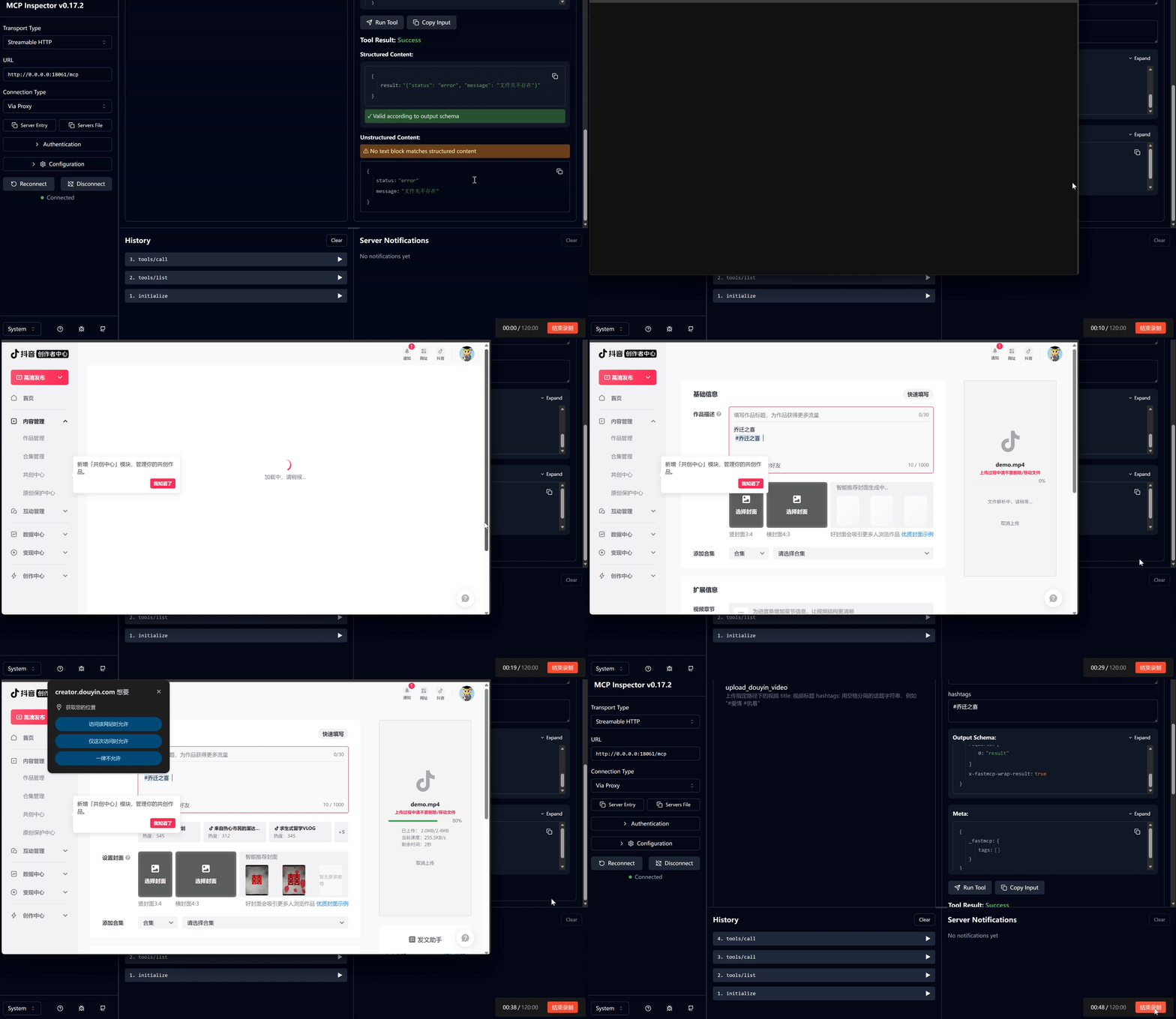
🎬 预览视频
Related MCP server: Douyin API New MCP Server
克隆项目:
git clone https://github.com/vipcong816/dy-mcp.git
cd dy-mcp安装依赖: 建议在虚拟环境中安装依赖。
conda create -n dy-mcp python=3.10
conda activate dy-mcp
# 挂载清华镜像 or 命令行代理
pip install -r requirements.txt
安装 Playwright 浏览器驱动:
playwright install chromium firefox根据您的需求,至少需要安装 chromium。firefox 主要用于 TikTok 上传(旧版)。
修改配置文件:
在 server.py 中,您需要配置以下内容:
LOCAL_CHROME_PATH: 本地 Chrome 浏览器的路径,比如 C:\Program Files\Google\Chrome\Application\chrome.exe 保存。
临时解决方案
需要在根目录创建 cookiesFile 和 videoFile 两个文件夹,分别是 存储cookie文件 和 存储上传文件 的文件夹
启动项目:
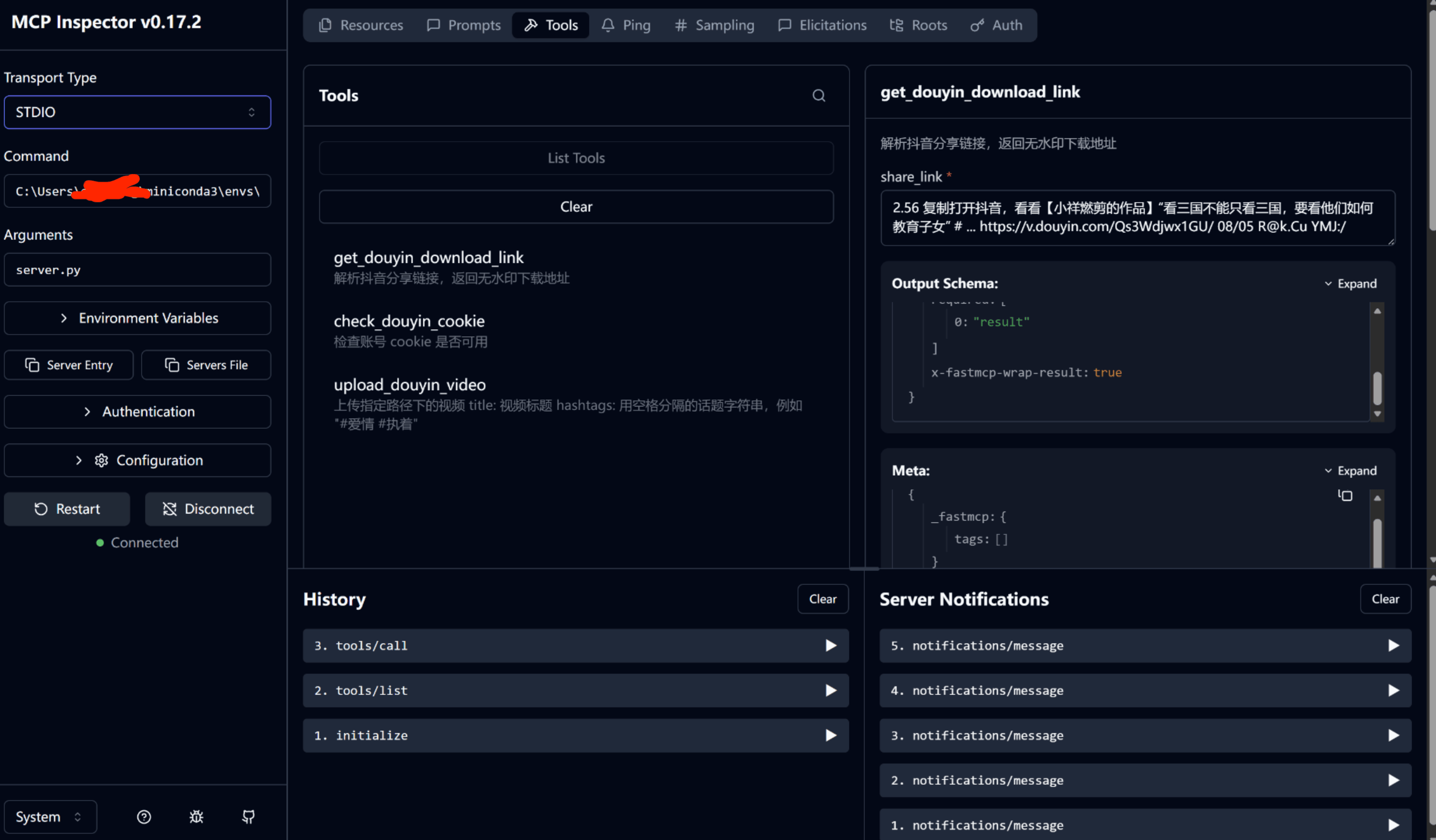
python server_streamable_http.pySTDIO配置:
{
  "mcpServers": {
    "dyn-mcp": {
      "command": "C:/Users/你的用户名/miniconda3/envs/环境名/python.exe",
      "args": ["server.py"]
    }
  }
}
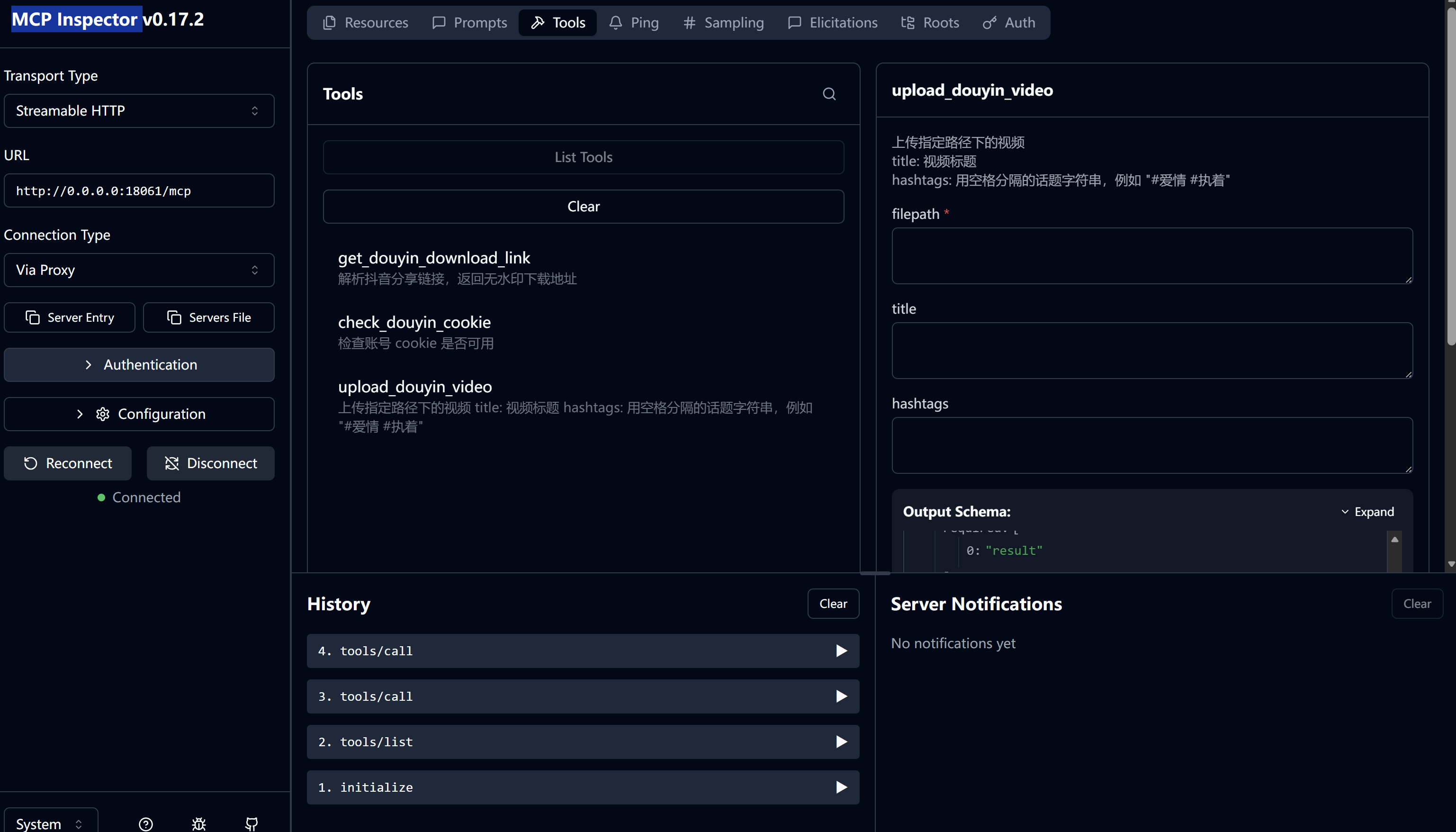
MCP Inspector 配置:
npx @modelcontextprotocol/inspectorstreamable_httt如图所示
STDIO如图所示
This server cannot be deployed
Public TikTok profiles, videos, comments and keyword search as JSON. No developer account.
TikTok search demand, videos, creators, comments and captions for AI agents. OAuth or API key.
Publish and schedule videos to TikTok, YouTube Shorts, Instagram, Facebook, LinkedIn, Pinterest, Bluesky, Threads and X from Claude, Cursor or any MCP client. Upload once, post everywhere, track views in unified analytics, and retry failed posts. Official platform APIs only, free plan available. Docs: https://docs.multi-upload-tool.com/mcp
Unofficial TikTok API & scraper: creator analytics, video data, comments, search. x402, no API key.