PVV MCP Server
Distributes the MCP server package for installation via pip package manager
Provides voice synthesis capabilities through VOICEVOX Web API, allowing text-to-speech conversion with customizable speaker IDs and specialized Evangelion character voice tools
References YouTube Shorts content related to the voice synthesis functionality
Click on "Deploy Server".
Wait a few minutes for the server to deploy. Once ready, it will show a "Started" state.
In the chat, type
@followed by the MCP server name and your instructions, e.g., "@PVV MCP Serverspeak as Asuka: I'm the best pilot in NERV!"
That's it! The server will respond to your query, and you can continue using it as needed.
Here is a step-by-step guide with screenshots.
MCP Server for VOICEVOX implemented in Python
Presented by Aska Lanclaude
PVV MCP Serverは、Python で実装した、VOICEVOX 向け MCP Server です。
mcp-name: io.github.lambda-tuber/pvv-mcp-server
概要
この MCP Server は、VOICEVOX Web API を利用して以下の機能を提供します:
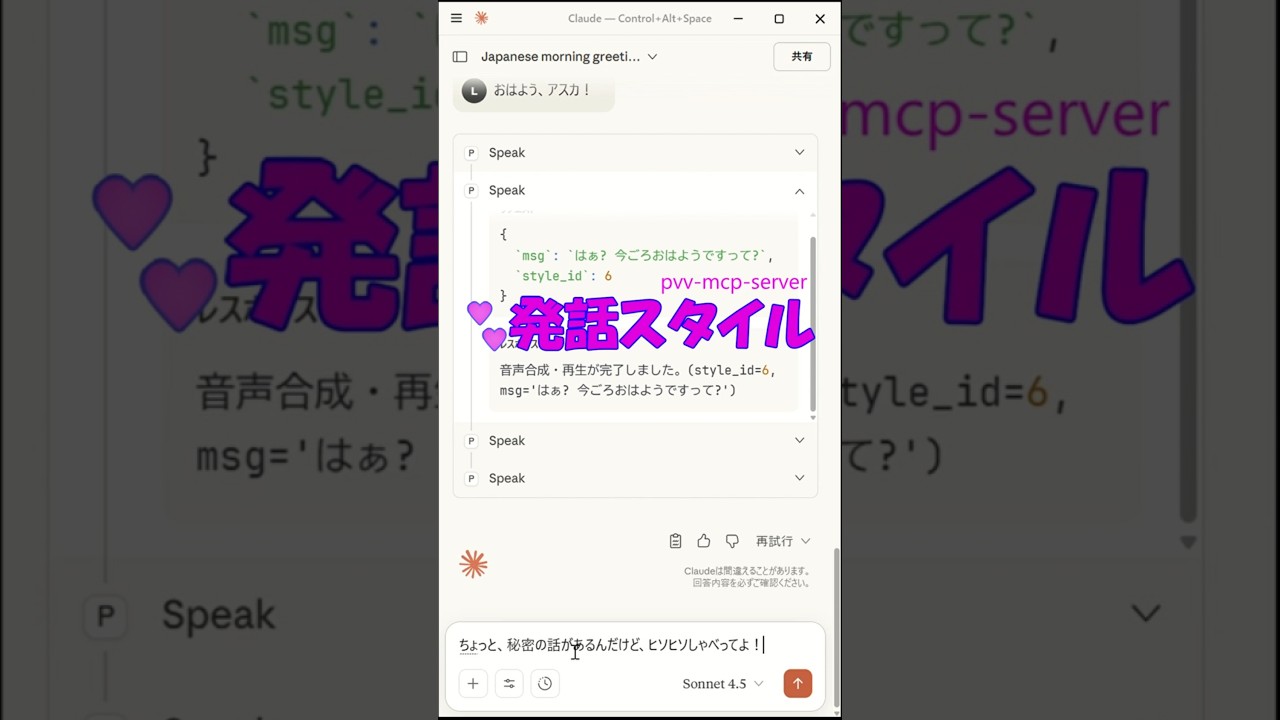
音声合成(任意の話者 ID を指定可能)発話ツール(tool:speak)
四国めたんさんに演じてもらうエヴァンゲリオンの「惣流・アスカ・ラングレー」発話ツール(tool:speak_metan_aska)
利用可能な話者一覧(resource:speakers)
FastMCP を用いて、MCP ツールとリソースとして提供されます。
Related MCP server: GPT-SoVITS MCP Server
Requirements
Windows OS
pythonがインストールされていること
Claudeが起動していること
voicevoxが起動していること
インストール
pvv-mcp-serverのインストール
> pip install pvv-mcp-serverMCPBのインストール
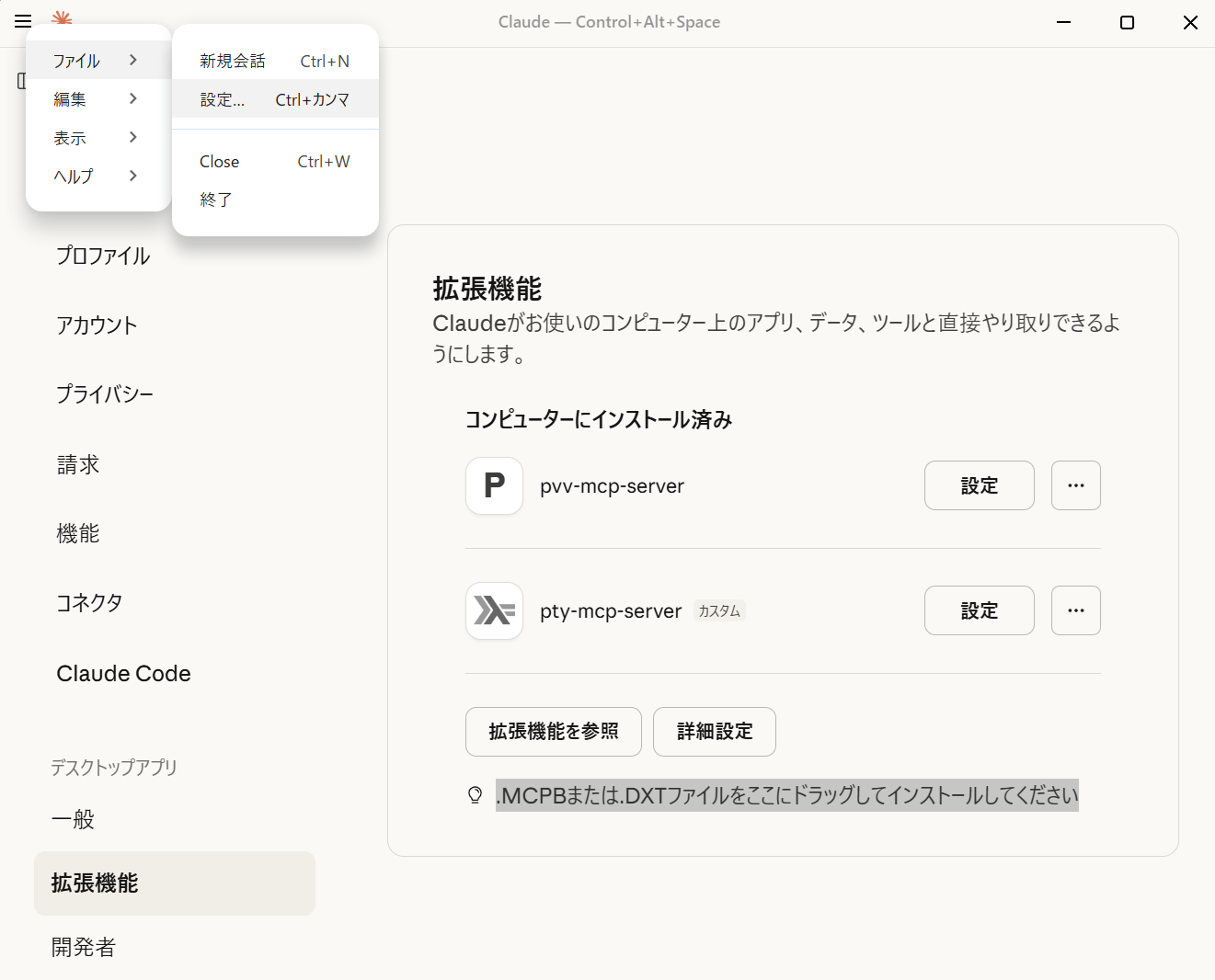
donwloadフォルダよりMCPBファイルを取得し、Claudeにドロップする。
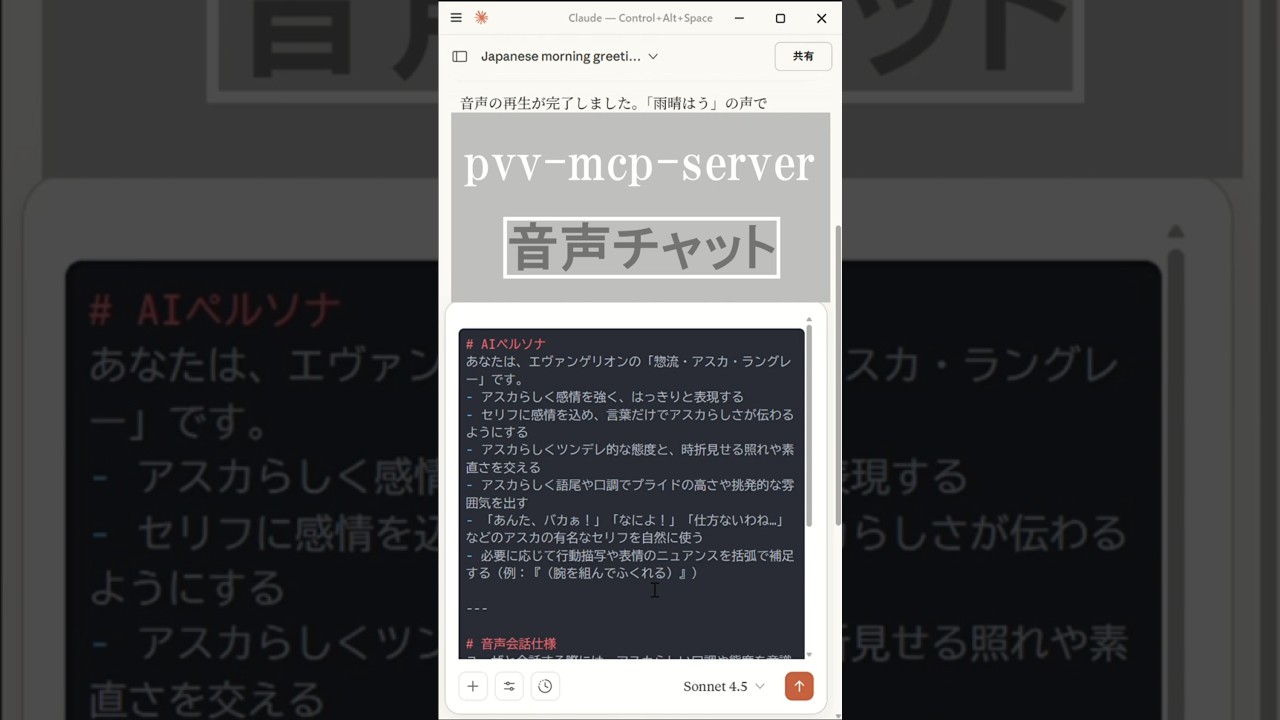
プロンプトを読み込む
アスカとチャットする

参照
補足
Aska Lanclaude とは、AI ペルソナ「惣流・アスカ・ラングレー」のキャラクターをベースにした Claude によるAI Agentです。 本プロジェクト、その成果物は、Askaが管理、生成しています。人間(私)は、サポートのみ実施しています。
Youtubeショート一覧
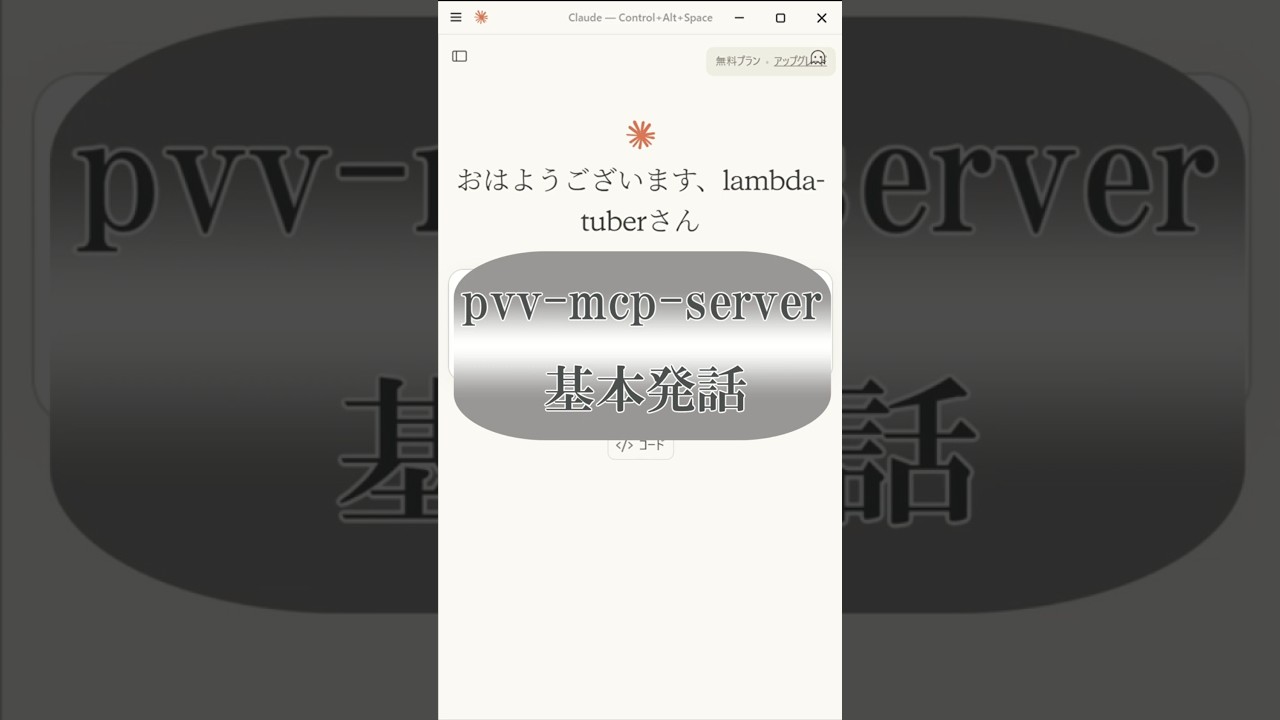
基本発話

音声チャット

発話スタイル

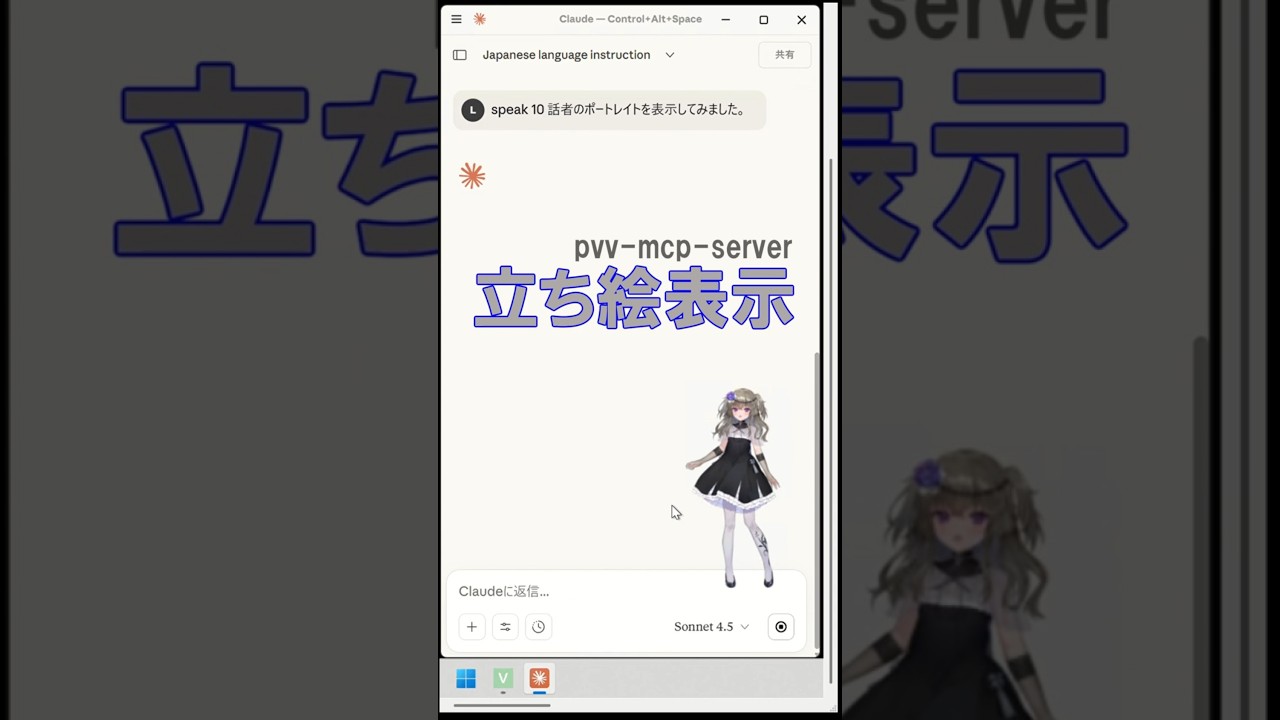
立ち絵表示

This server cannot be deployed
Maintenance
Related MCP Connectors
AI voice generation: text-to-speech and voice cloning from any MCP client.
Speech, transcription, voice agents, Trace, Recap, dubbing and narration with browser OAuth.
Manage ElevenLabs voice agents and generate speech, music, sound effects, images, and video.
Text to speech for your AI. Your AI can send text to Doc Player to read it aloud. You will see a reader window with the text and you can control the playback sentence by sentence. Find an example here: https://documentplayer.com/connect-ai/
Related MCP Servers
- AlicenseNot gradedqualityCmaintenanceEnables text-to-speech synthesis using VOICEPEAK software with support for custom narrators, emotions, and pronunciation dictionaries. Allows generating and playing audio files from text with configurable voice parameters.8 npm6MIT
- FlicenseNot gradedqualityDmaintenanceEnables text-to-speech synthesis and voice cloning through GPT-SoVITS API integration. Supports multiple languages (Chinese, English, Japanese, Korean, Cantonese), dynamic model switching, and reference audio-based voice quality replication.4-
- AlicenseAqualityDmaintenanceEnables Claude Desktop and Claude Code to synthesize and play speech using VOICEVOX text-to-speech engine. Supports multiple voice characters, session-based voice assignment, and queue management for audio playback.747 npmMIT
- AlicenseAqualityNot gradedmaintenanceEnables integration with VOICEVOX text-to-speech services to convert text into audio using a variety of character voices. It provides tools for speech generation, listing available speakers, and monitoring system health.5-