Youtube-MCP
Provides specialized tools for YouTube analytics and automation, including channel intelligence, video performance metrics, SEO scoring, and audience comment analysis via the YouTube Data API v3.
YouTube MCP Server
Production-grade Model Context Protocol (MCP) server for YouTube intelligence. Extract, analyze, and automate insights from YouTube channels and videos using the official YouTube Data API v3.
Built for AI agents, automation pipelines, and content intelligence workflows.
What This Does
This MCP server exposes 16 specialized tools for YouTube analytics and automation:
Channel Intelligence — subscriber counts, video lists, upload patterns, topic analysis
Video Analytics — detailed metadata, engagement metrics, performance comparison
Content Optimization — SEO scoring, tag analysis, thumbnail evaluation
Audience Insights — comment extraction, keyword analysis, sentiment signals
Trend Discovery — trending video tracking, competitive benchmarking
Built with zero scraping — uses only official YouTube Data API v3 endpoints for reliability and quota efficiency.
Related MCP server: AI Agent MCP Server
Prerequisites
YouTube Data API Key
You must have a YouTube Data API v3 key to use this server.
Get your API key:
Go to Google Cloud Console
Create a new project (or select existing)
Enable YouTube Data API v3:
Navigate to APIs & Services → Library
Search for "YouTube Data API v3"
Click Enable
Create credentials:
Go to APIs & Services → Credentials
Click Create Credentials → API Key
Copy your API key
Quota: Free tier provides 10,000 units/day (sufficient for ~100-500 tool calls depending on complexity).
Installation
Step 1: Clone the repository
git clone https://github.com/Yashkashte5/Youtube-MCP.git
cd Youtube-MCPStep 2: Install dependencies
pip install -r requirements.txtDependencies installed:
mcp— MCP protocol server frameworkrequests— YouTube Data API v3 HTTP clientyoutube-transcript-api— transcript fetching (no OAuth)Pillow— thumbnail image analysisnltk— natural language processing for comment keywordspython-dotenv— environment variable management
Step 3: Configure API key
Create a .env file in the project root:
YOUTUBE_API_KEY=YOUR_API_KEY_HEREImportant: Never commit .env to git. It's already in .gitignore.
Running the Server
Standalone (for testing)
python server.pyWith Claude Desktop
Add to your claude_desktop_config.json:
macOS: ~/Library/Application Support/Claude/claude_desktop_config.json
Windows: %APPDATA%\Claude\claude_desktop_config.json
{
"mcpServers": {
"youtube-mcp": {
"command": "python",
"args": ["/absolute/path/to/Youtube-MCP/server.py"]
}
}
}Replace /absolute/path/to/Youtube-MCP/ with your actual project path.
Then: Fully quit and relaunch Claude Desktop.
Tools Reference (16 Total)
Channel Analysis
get_channel_overview
Subscriber count, total views, video count, creation date
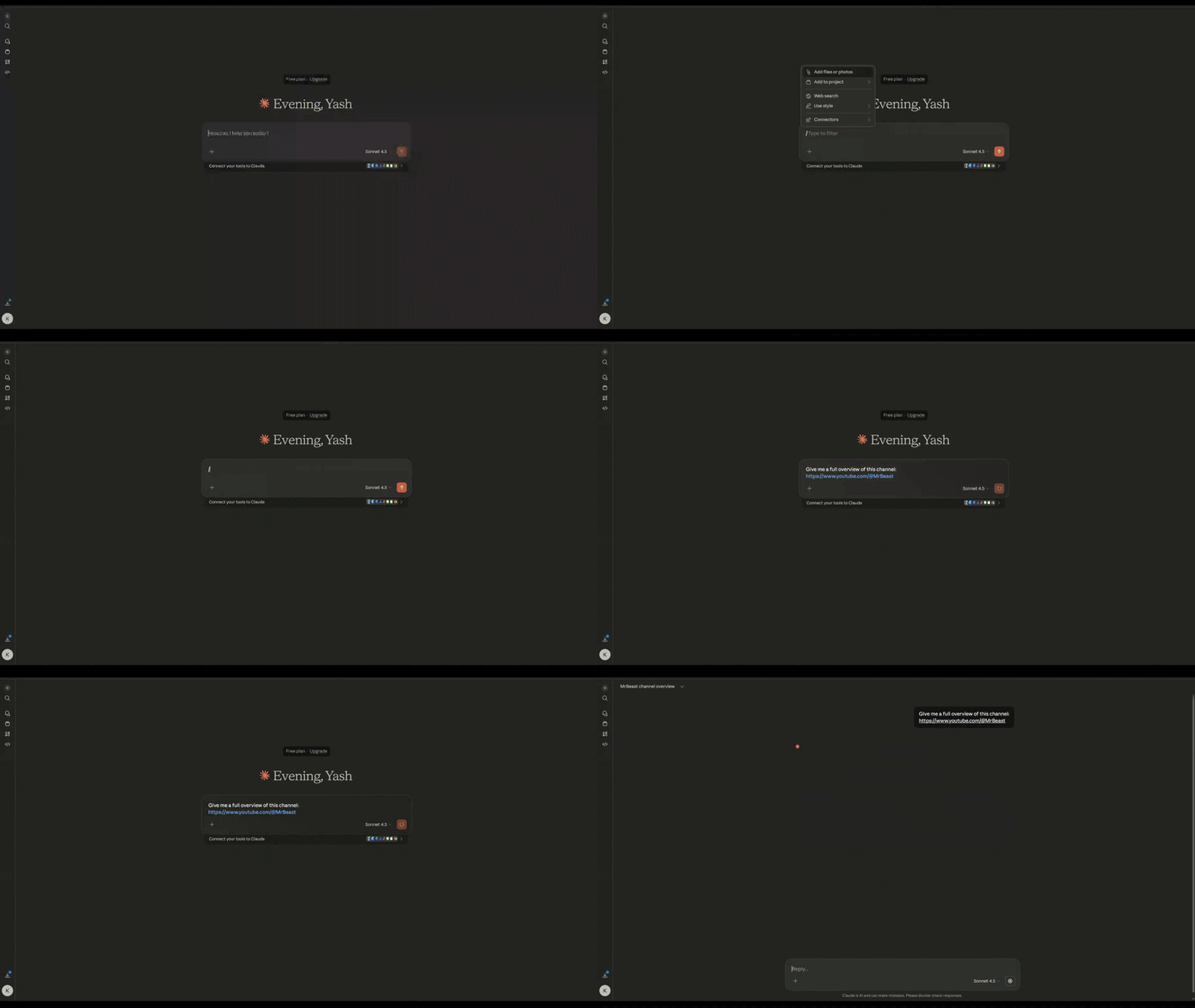
get_channel_videos
Recent video list with views, likes, comments, duration

get_channel_topics
YouTube's topic categories (Gaming, Music, Tech, etc.)
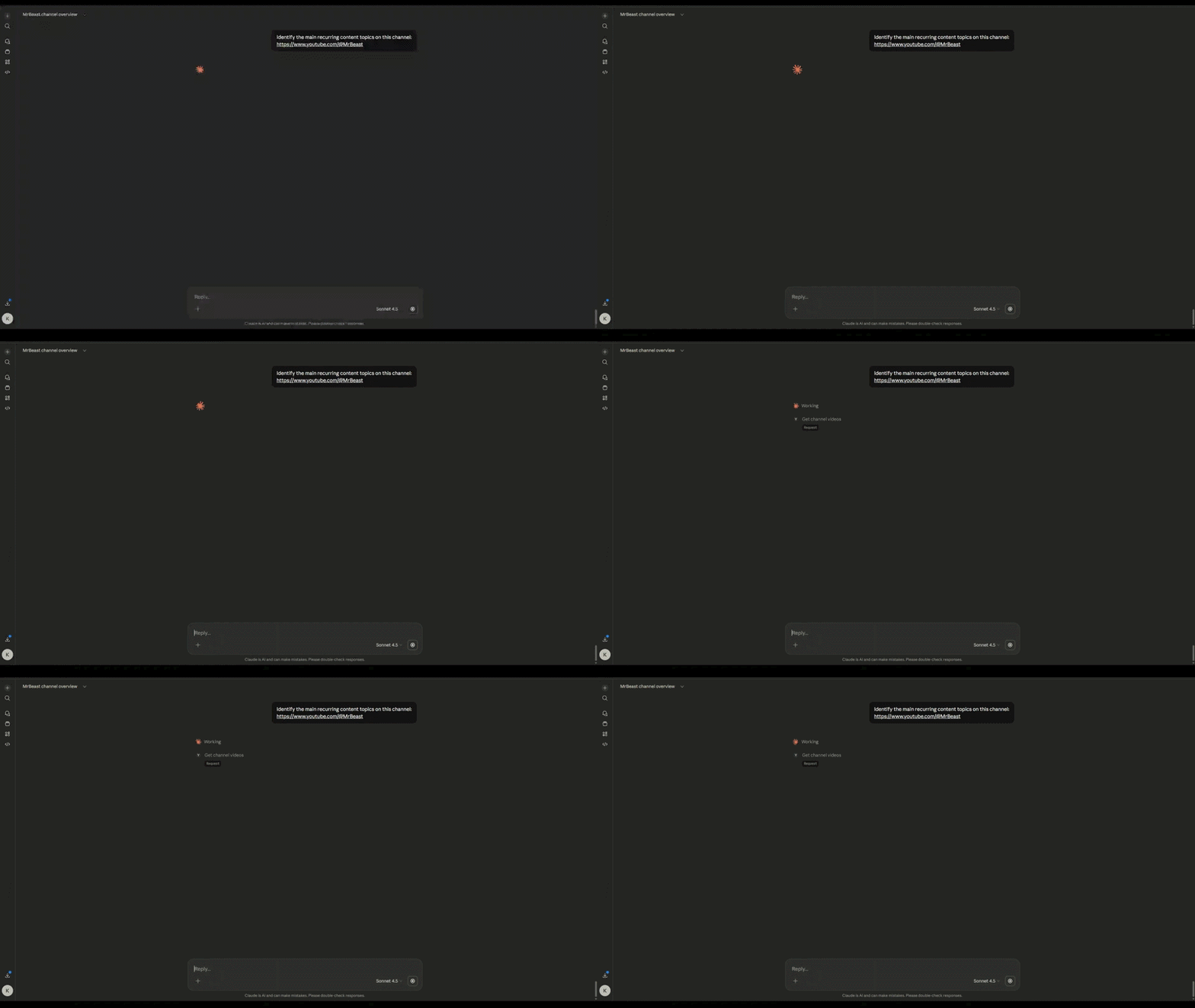
compare_channels
Side-by-side channel comparison (max 5 channels)
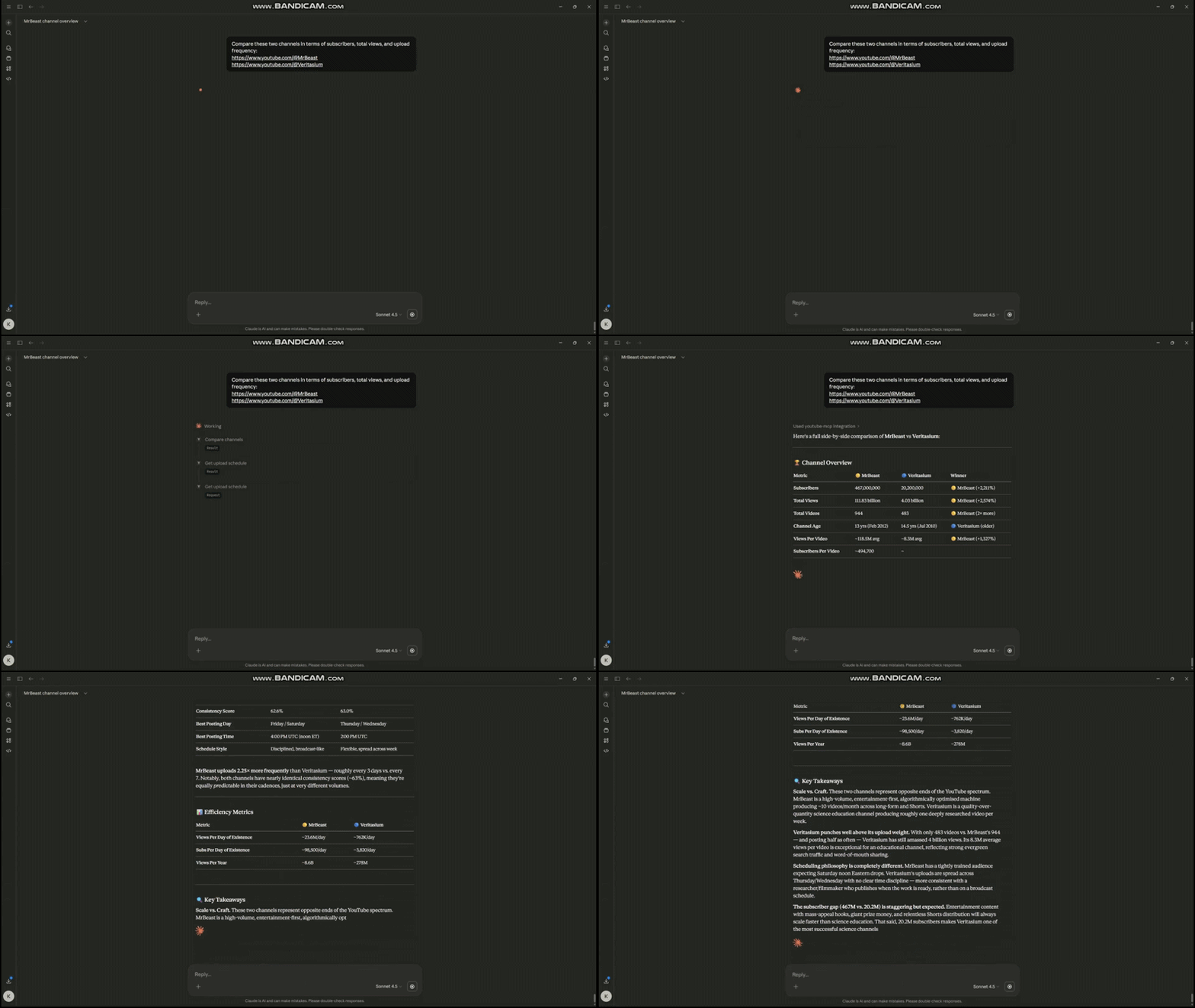
get_upload_schedule
Posting frequency by day/hour, consistency score
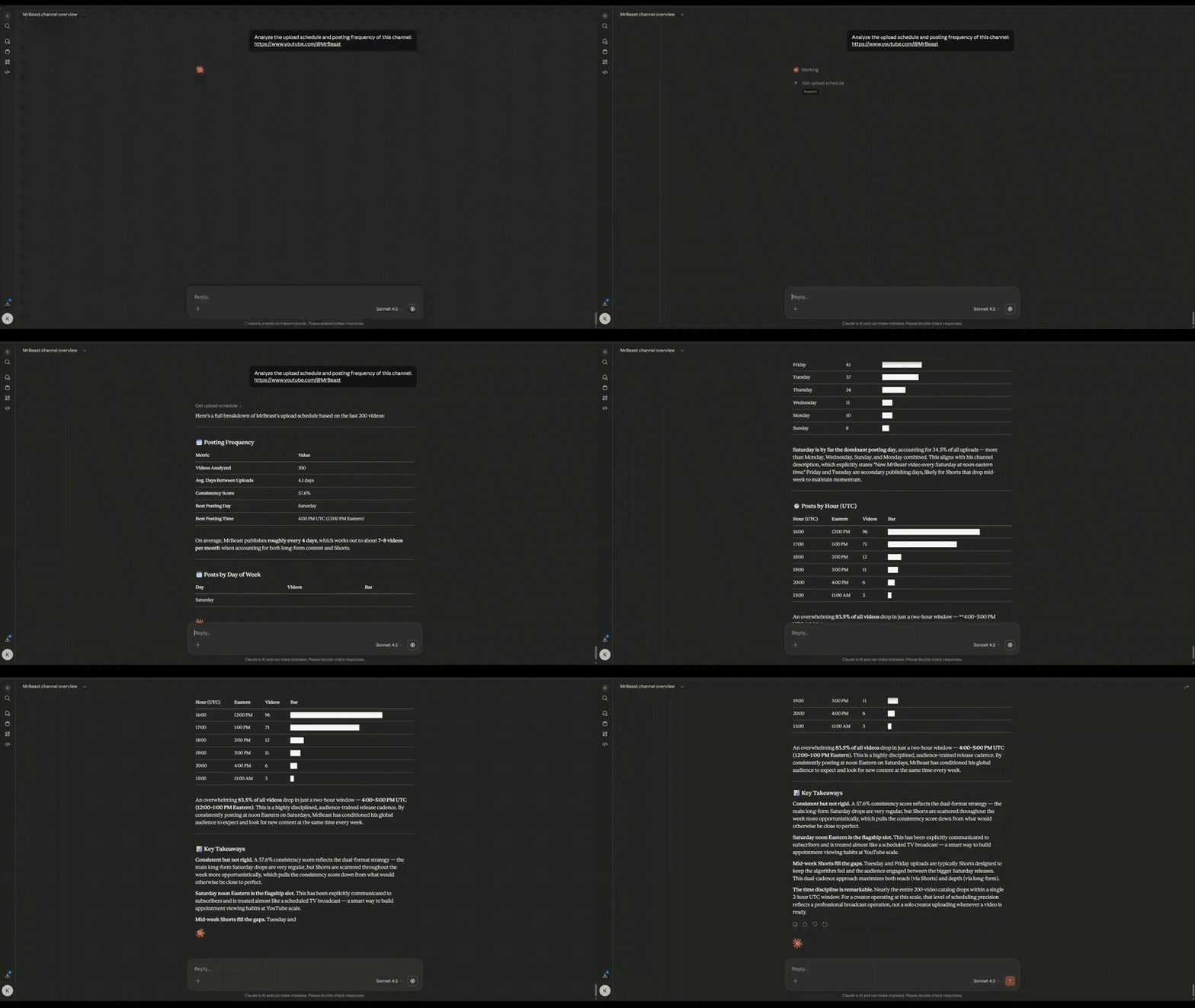
Video Intelligence
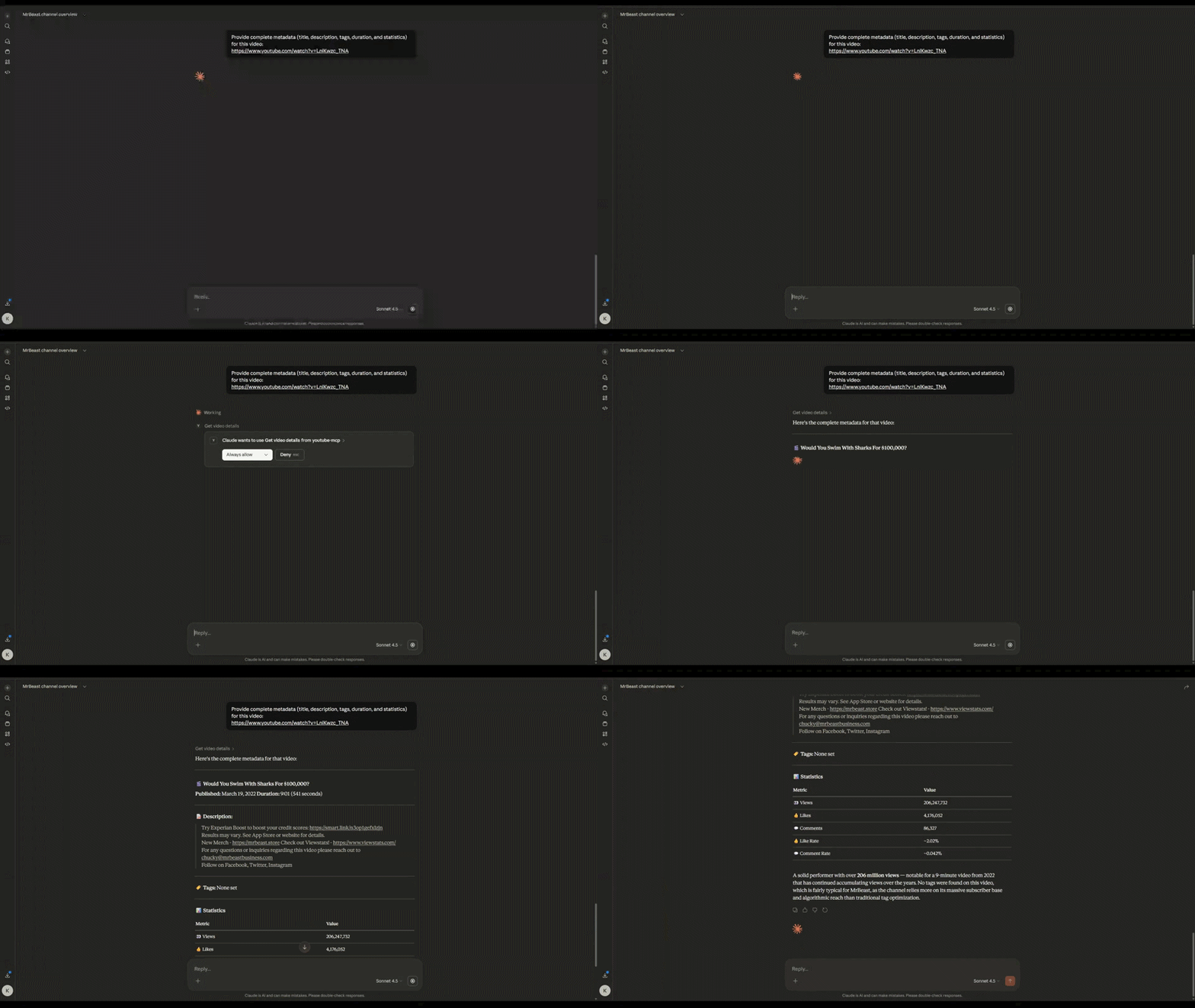
get_video_details
Full metadata: title, description, tags, stats
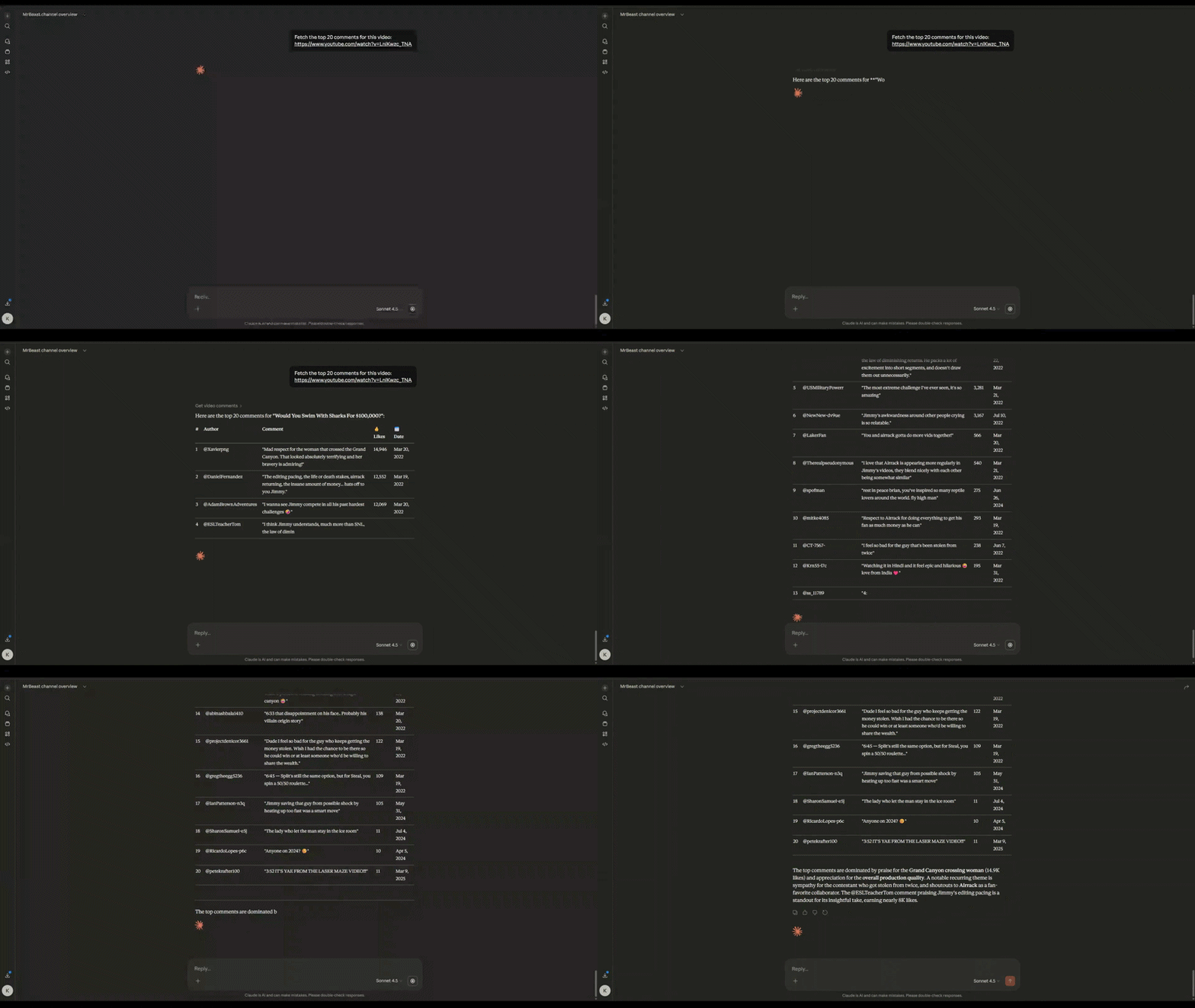
get_video_comments
Top comments sorted by relevance with like counts
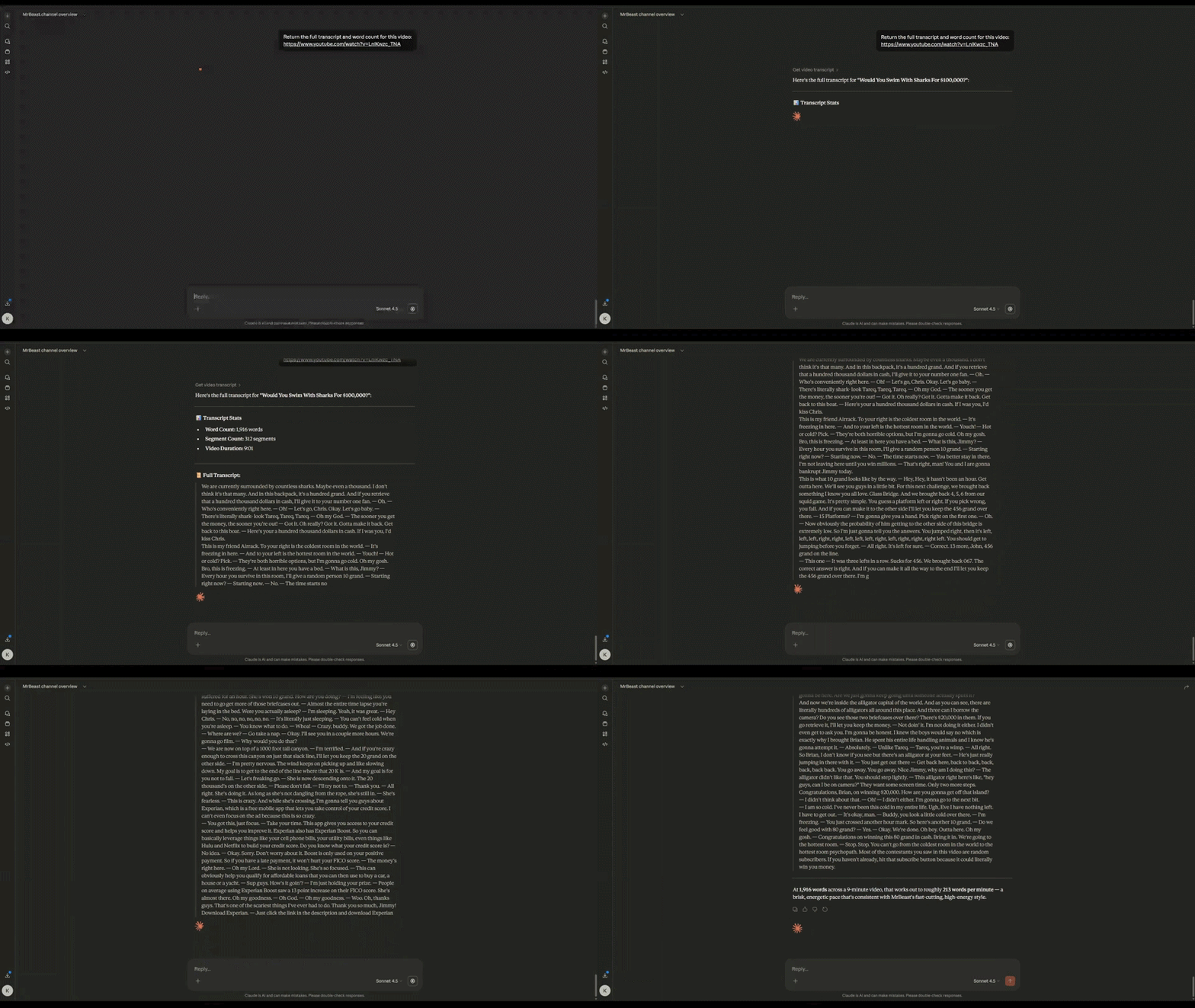
get_video_transcript
Auto-generated or manual transcripts for NLP
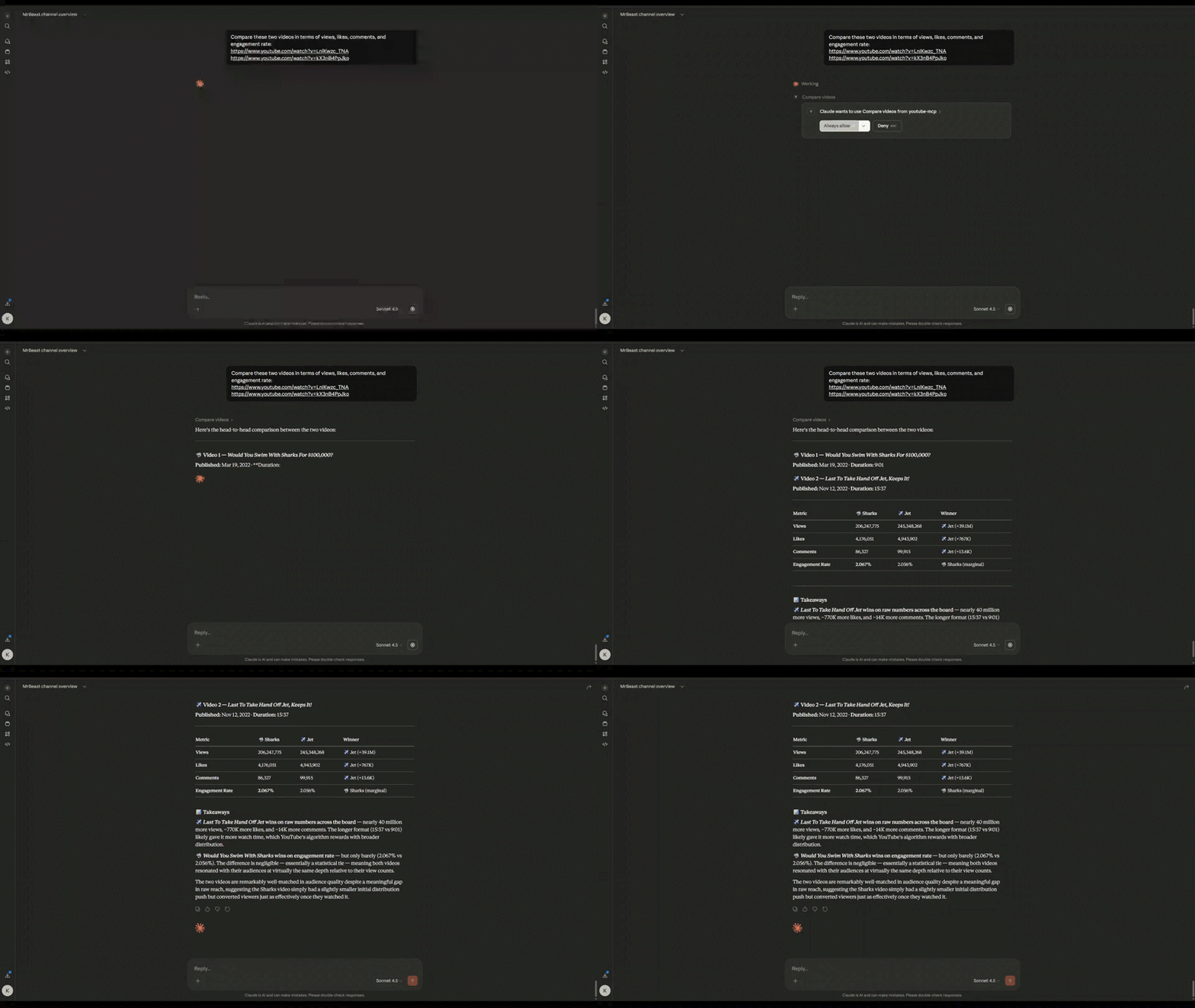
compare_videos
Performance comparison across multiple videos
get_top_videos
Channel's best performers by views/likes/engagement

SEO & Optimization
analyze_thumbnail
Thumbnail URL, resolution, file size metadata
![]()
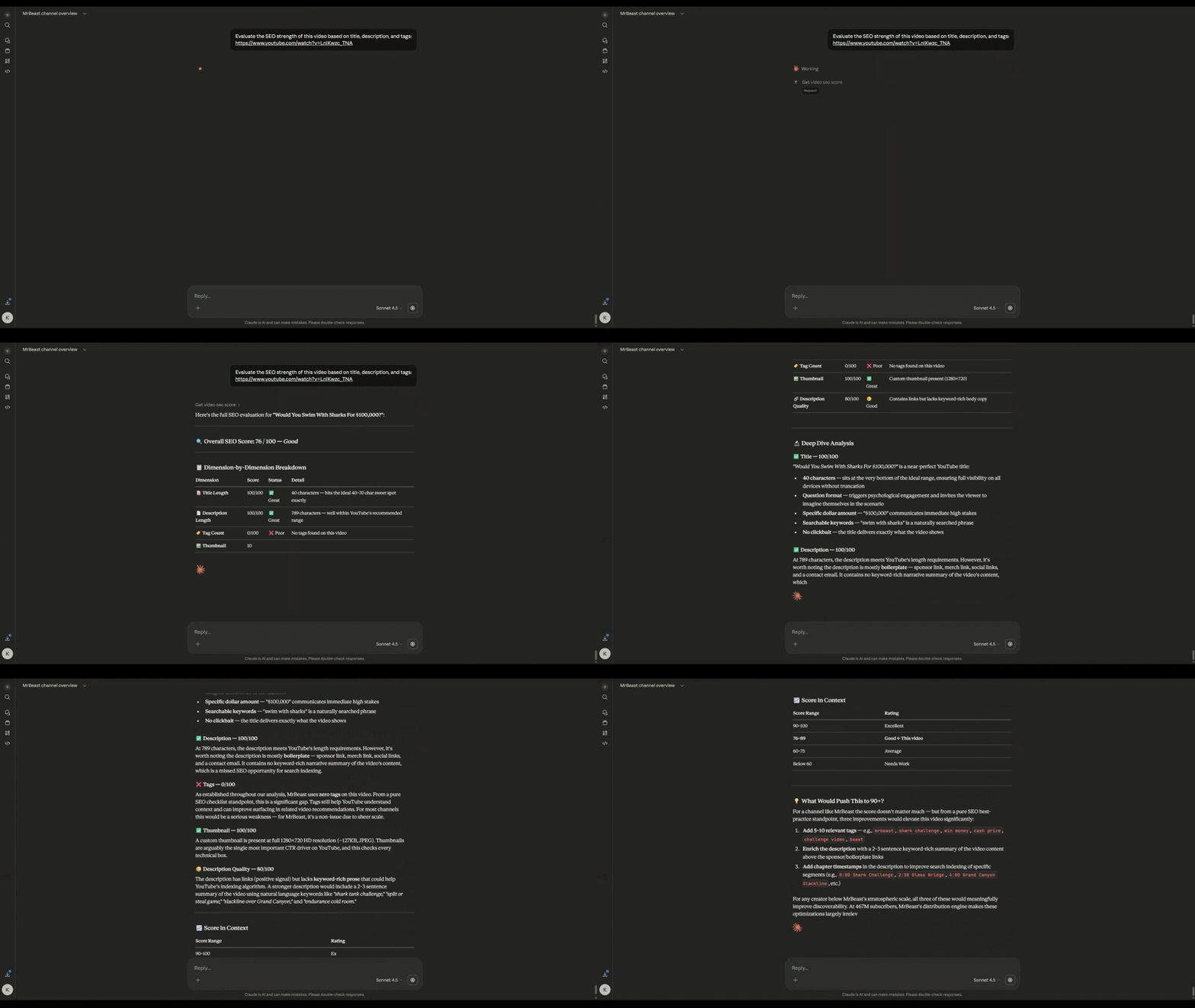
get_video_seo_score
0-100 score: title, description, tags, thumbnail quality
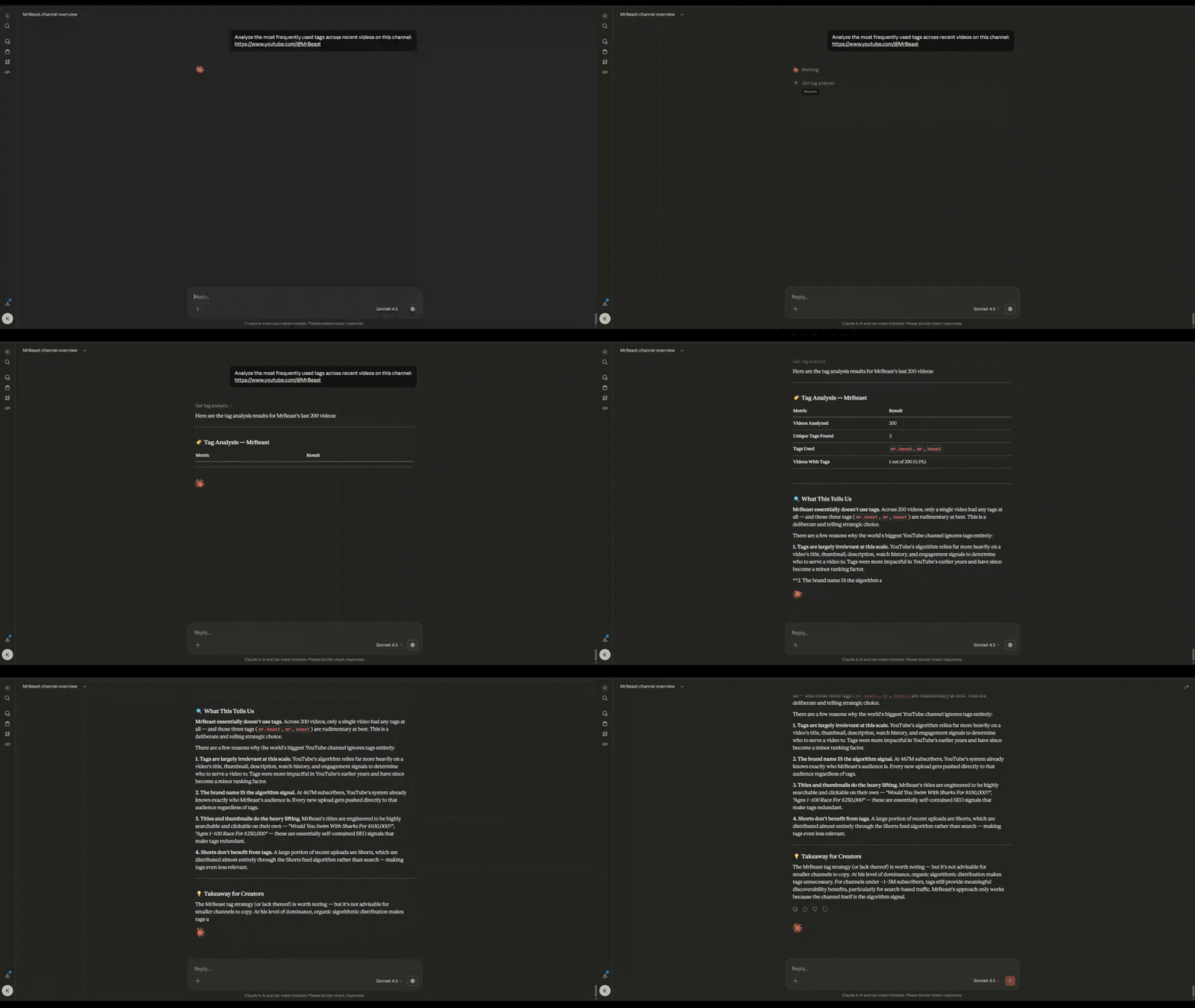
get_tag_analysis
Tag frequency and correlation with video performance
get_trending_videos
Popular videos by region/category (Music, Gaming, Movies)

Advanced Analytics
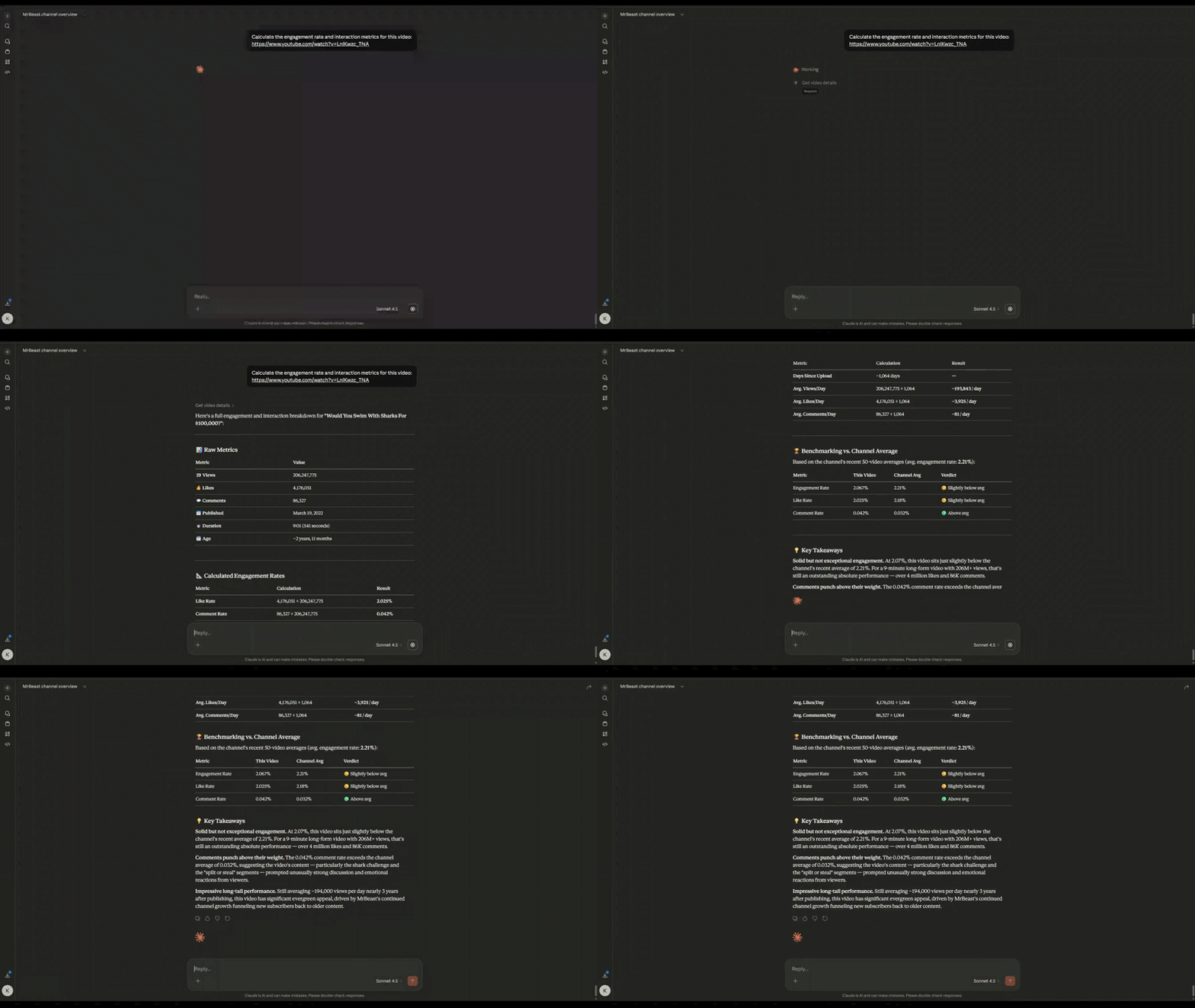
get_engagement_stats
Like rate, comment rate, engagement rate per video
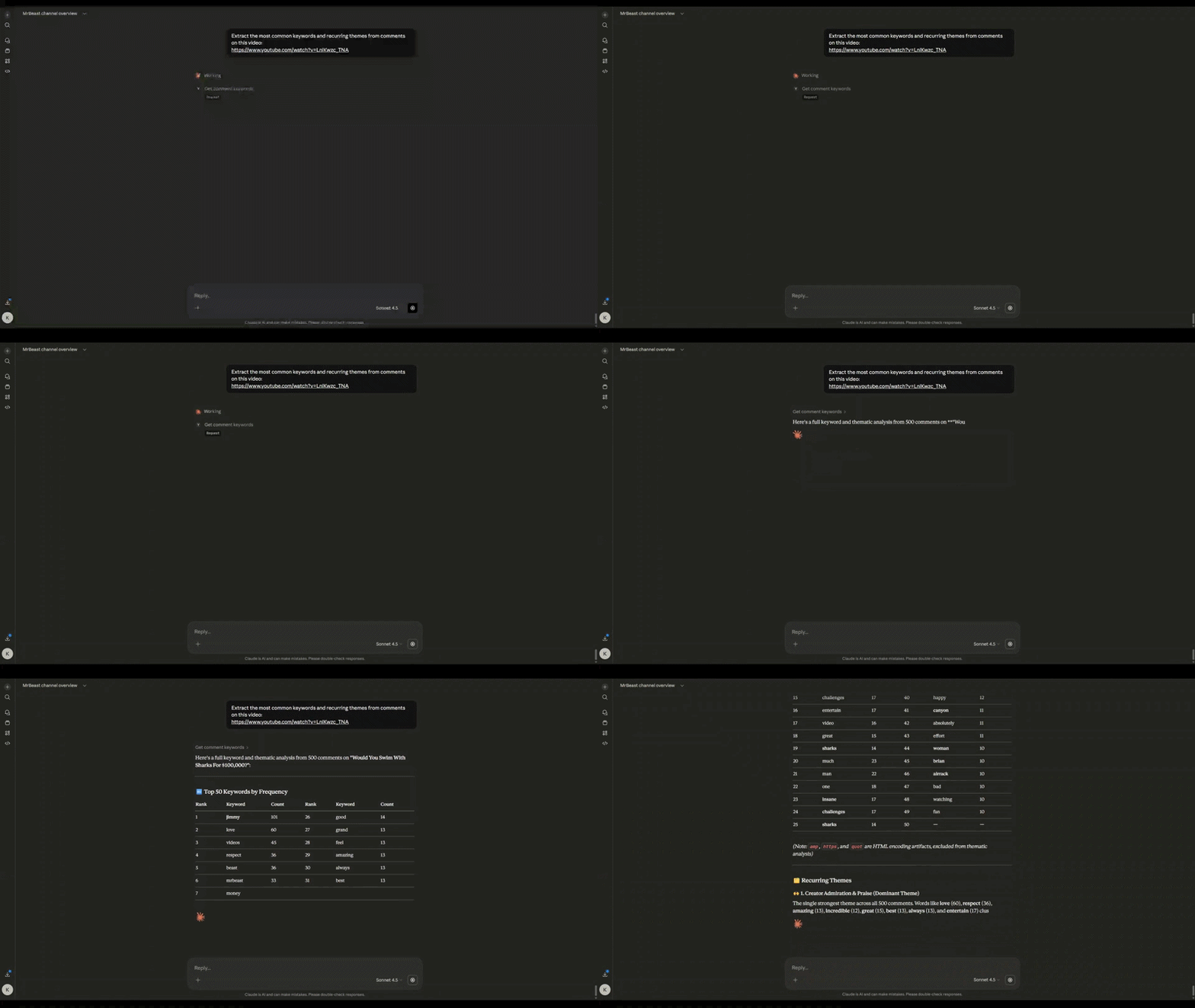
get_comment_keywords
Most frequent words in comments (stopwords filtered)
Architecture
┌─────────────────────────────────────────────────────┐
│ AI Agent / Claude Desktop / MCP Client │
└──────────────────────┬──────────────────────────────┘
│ MCP Protocol
┌──────────────────────▼──────────────────────────────┐
│ server.py │
│ ├─ Tool registration & MCP handlers │
│ └─ JSON schema definitions │
└──────────────────────┬──────────────────────────────┘
│ Function calls
┌──────────────────────▼──────────────────────────────┐
│ main.py │
│ ├─ 16 tool implementations │
│ ├─ YouTube Data API v3 integration │
│ ├─ Transcript API │
│ └─ Data normalization & error handling │
└──────────────────────┬──────────────────────────────┘
│ HTTPS
┌──────────────────────▼──────────────────────────────┐
│ YouTube Data API v3 │
│ ├─ channels.list │
│ ├─ videos.list │
│ ├─ playlistItems.list │
│ ├─ commentThreads.list │
│ └─ Public data only │
└─────────────────────────────────────────────────────┘Design principles:
MCP = Data layer — deterministic, normalized JSON outputs
AI = Reasoning layer — interprets data, generates insights
No scraping — official API only for reliability
Quota efficient — uses
playlistItems.listinstead of expensivesearch.list
Project Structure
Youtube-MCP/
├── server.py # MCP server, tool registration, schema definitions
├── main.py # Tool implementations, YouTube API integration
├── requirements.txt
├── .env # API key
├── .gitignore
├── Demos/
└── README.mdExample Use Cases
AI Agents
Automated YouTube research assistants
Content strategy recommendation systems
Competitive intelligence bots
Analytics Pipelines
Channel performance dashboards
Engagement trend tracking
Audience sentiment analysis
Content Optimization
SEO audit automation
Tag optimization recommendations
Upload schedule optimization
Research
YouTube ecosystem analysis
Creator behavior patterns
Viral content dynamics
Contributing
Contributions welcome. Focus areas:
Tool reliability — edge case handling, error messages
Performance — quota optimization, caching strategies
New tools — playlist analytics, growth metrics, predictions
Documentation — usage examples, best practices
To contribute:
Fork the repository
Create a feature branch (
git checkout -b feature/new-tool)Commit changes (
git commit -m 'Add new tool: X')Push to branch (
git push origin feature/new-tool)Open a Pull Request
License
MIT License — see LICENSE file for details.
Author
Yash Kashte
GitHub: @Yashkashte5
Project: Youtube-MCP
Available Tools
16 toolsanalyze_thumbnailA
Returns basic image metadata for a video's thumbnail: URL, resolution (WIDTHxHEIGHT), and file size in bytes. In v1 this is metadata only — no vision model analysis.
Inputs: video_id (required).
compare_channelsA
Side-by-side overview comparison for multiple channels (max 5). Returns subscriber count, total views, and video count for each, plus declares winners in each category. Good for competitor analysis.
Inputs: channel_urls (required).
compare_videosA
Side-by-side stats comparison for a list of video IDs (max 10). Returns per-video stats and declares winners by views, likes, comments, and engagement rate. Great for understanding why one video outperformed another.
Inputs: video_ids (required).
get_channel_overviewA
Returns a flat overview of a public YouTube channel. Includes subscriber count, total views, total videos, and creation date. Accepts a channel URL in @handle or /channel/UCxxxx format.
Inputs: channel_url (required).
get_channel_topicsA
Returns the topic categories YouTube has associated with a channel. Returns human-readable topic names extracted from Wikipedia category URLs. Raw Freebase topic IDs are excluded as they have been deprecated since 2017 and are not human-readable.
Inputs: channel_url (required).
get_channel_videosA
Returns a list of recent public videos from a channel, with per-video stats: views, likes, comments, duration. Use this as your primary dataset tool for channel analysis. Uses the uploads playlist internally — no quota-expensive search.list.
Inputs: channel_url (required), limit.
get_comment_keywordsA
Extracts the most frequent meaningful words from a video's comments. Deterministic word frequency analysis — no LLM or sentiment model. Useful for understanding what topics and themes resonate with your audience.
Inputs: video_id (required), limit, top_n.
get_engagement_statsA
Computes per-video engagement metrics across a channel's recent videos. Returns average views, likes, comments, like rate %, comment rate %, overall engagement rate %, and the top engaging video. Great for benchmarking your channel's audience engagement health.
Inputs: channel_url (required), limit.
get_tag_analysisA
Aggregates tags across a channel's videos and correlates them with view performance. Returns top tags by frequency and by average views. Useful for finding which tags drive the most traffic.
Inputs: channel_url (required), limit.
get_top_videosA
Returns a channel's top performing videos sorted by a chosen metric. Scans up to 200 recent videos and returns the top N. metric options: views | likes | comments | engagement_rate
Inputs: channel_url (required), metric, limit.
get_trending_videosA
Returns currently popular YouTube videos for a given region and category. NOTE: As of July 2025, YouTube removed its global Trending page. Results now come from category-specific charts (Music, Movies, Gaming). Use category_id 10 for Music, 20 for Gaming, 43 for Movies. category_id 0 returns a mixed set across all categories.
Inputs: region_code, category_id, limit.
get_upload_scheduleA
Analyzes a channel's upload patterns. Returns posting frequency by day-of-week and hour-of-day, average days between uploads, consistency score, and best posting day/time. Useful for optimizing your own upload schedule.
Inputs: channel_url (required), limit.
get_video_commentsB
Returns top-level comments for a video, sorted by relevance. Includes author, comment text, like count, and publish date. Useful for audience sentiment and feedback analysis.
Inputs: video_id (required), limit.
get_video_detailsA
Returns full metadata for a single video, including tags. Use this to deep-dive into one video after identifying it via get_channel_videos.
Inputs: video_id (required).
get_video_seo_scoreA
Checks a video's metadata against YouTube SEO best practices. Scores title length, description length/quality, tag count, and thumbnail presence. Returns an overall score (0–100) and per-dimension breakdown.
Inputs: video_id (required).
get_video_transcriptB
Fetches the full transcript (auto-generated or manual) of a video. Returns concatenated transcript text, word count, and segment count. Useful for content analysis, summarization, and keyword extraction.
Inputs: video_id (required).
Tool Schema Changelog
Recent tool additions, removals, and schema changes observed during successful MCP inspections.
Loading tool schema changelog…
TDQS
Scored across 16 tools
Most tools have distinct purposes, such as get_channel_overview for channel metadata and get_video_transcript for transcripts, but some overlap exists. For example, get_channel_videos and get_top_videos both retrieve video lists, though they differ in sorting and scope, which could cause minor confusion for an agent.
All tool names follow a consistent verb_noun pattern, starting with verbs like 'get', 'analyze', or 'compare', followed by descriptive nouns. This uniformity makes the set predictable and easy to navigate, with no deviations in style or convention.
With 16 tools, the count is slightly high but reasonable for the YouTube analytics domain, covering diverse aspects like channel analysis, video stats, and SEO. It avoids being overwhelming, though a few tools could potentially be consolidated for tighter scoping.
The tool set comprehensively covers YouTube analysis, including channel overviews, video details, engagement metrics, comments, transcripts, and SEO. There are no obvious gaps; it supports full workflows from data retrieval to competitive analysis and optimization.
Maintenance
Related MCP Connectors
YouTube transcripts, search, channel/playlist listings and upload tracking for AI agents.
Real-time YouTube transcripts, comments, channels & video search MCP. Local npx or hosted OAuth.
YouTube for AI agents: transcripts, comments, video stats, channel monitor, Shorts captions.
Provide token-optimized, structured YouTube data to enhance your LLM applications. Access efficien…
Related MCP Servers
- AlicenseAqualityDmaintenanceA production-ready Model Context Protocol server that enables language models to leverage AI-powered web scraping capabilities, offering tools for transforming webpages to markdown, extracting structured data, and executing AI-powered web searches.898 PyPI121MIT
- FlicenseNot gradedqualityDmaintenanceA Model Context Protocol server implementation built with FastAPI that enables AI agent interactions. Provides a structured foundation for building AI-powered applications with proper data validation and modern Python tooling.-
- AlicenseBqualityAmaintenanceModel Context Protocol (MCP) server that provides AI agents with access to Google Search Console data.251,377 npm322MIT
- AlicenseNot gradedqualityDmaintenanceModel Context Protocol server that standardizes tool discovery, execution, and context management for AI applications.MIT