# MCP MongoDB Server
---



[](https://smithery.ai/server/mcp-mongo-server)
[](https://mseep.ai/app/e274a3dd-7fe6-4440-8c43-043bae668251)
A Model Context Protocol server that enables LLMs to interact with MongoDB databases. This server provides capabilities for inspecting collection schemas and executing MongoDB operations through a standardized interface.
## Demo
[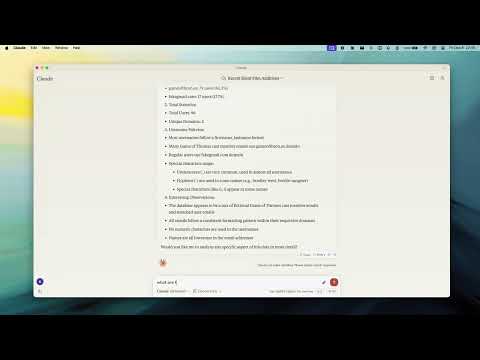](https://www.youtube.com/watch?v=FI-oE_voCpA)
## Key Features
- **Smart ObjectId Handling** - Configurable auto/none/force modes for string-to-ObjectId conversion
- **Read-Only Mode** - Protection against write operations, uses secondary read preference
- **Schema Inference** - Automatic collection schema detection from document samples
- **Query & Aggregation** - Full MongoDB query and aggregation pipeline support with optional explain plans
- **Write Operations** - Insert, update, and index creation (when not in read-only mode)
- **Collection Completions** - Auto-complete collection names for LLM integration
## Installation
```bash
npx -y mcp-mongo-server mongodb://localhost:27017/database
```
## Usage
```bash
# Start server with MongoDB URI
npx -y mcp-mongo-server mongodb://muhammed:kilic@localhost:27017/database
# Connect in read-only mode
npx -y mcp-mongo-server mongodb://muhammed:kilic@localhost:27017/database --read-only
```
### Environment Variables
| Variable | Description |
|----------|-------------|
| `MCP_MONGODB_URI` | MongoDB connection URI |
| `MCP_MONGODB_READONLY` | Enable read-only mode (`"true"`) |
## Documentation
- [Integration Guide](docs/integration.md) - Claude Desktop, Windsurf, Cursor, Docker
- [Available Tools](docs/tools.md) - Query, aggregate, update, insert, and more
- [Development](docs/development.md) - Setup, scripts, and debugging
- [Contributing](CONTRIBUTING.md)
## License
MIT - see [LICENSE](LICENSE) for details.
