
Better Fetch is an advanced MCP server that intelligently fetches and processes web content into clean, structured markdown for AI consumption and analysis.
Core Capabilities:
Nested URL crawling - Automatically discover and crawl linked pages up to configurable depth (default: 2 levels, max 50 pages)
Single page extraction - Fetch and convert individual web pages to markdown
Smart domain filtering - Restrict crawling to the starting domain or allow cross-domain discovery
Pattern-based URL filtering - Include/exclude URLs using regex patterns for targeted content extraction
Intelligent content cleaning - Automatically remove navigation, ads, scripts, and other noise to focus on main content
Advanced markdown conversion - Preserve code blocks, links, and formatting with proper structure
Table of Contents generation - Create organized TOC with proper nesting based on site structure
Metadata integration - Include source URLs, timestamps, and site information in output
Configuration Options:
Configurable crawl depth, page limits, and request timeout (default: 10 seconds)
Built-in delays between requests (500ms) for respectful crawling
Graceful error handling for failed requests and invalid URLs
Use Cases:
Documentation processing - Convert API docs, framework guides, and technical references
Content analysis & research - Competitive analysis, market research, and knowledge gathering
AI training preparation - Create clean content for LLM context, RAG systems, chatbot knowledge bases, and content summarization
Used for HTML parsing during web crawling, allowing the MCP server to extract and process web content from documentation sites
Provides capabilities for processing Flutter documentation sites, with an example specifically mentioning Flutter Shadcn UI documentation crawling
Transforms web content into clean, structured markdown files optimized for AI consumption and analysis
Serves as the runtime environment for the MCP server, with requirements specifying Node.js 18+ for operation
Mentioned as a use case for processing framework documentation, converting React docs into clean, structured markdown for AI consumption
Used as the implementation language for the MCP server, providing type safety and modern JavaScript features
Click on "Install Server".
Wait a few minutes for the server to deploy. Once ready, it will show a "Started" state.
In the chat, type
@followed by the MCP server name and your instructions, e.g., "@Better Fetchfetch the React documentation with nested links up to 3 levels"
That's it! The server will respond to your query, and you can continue using it as needed.
Here is a step-by-step guide with screenshots.
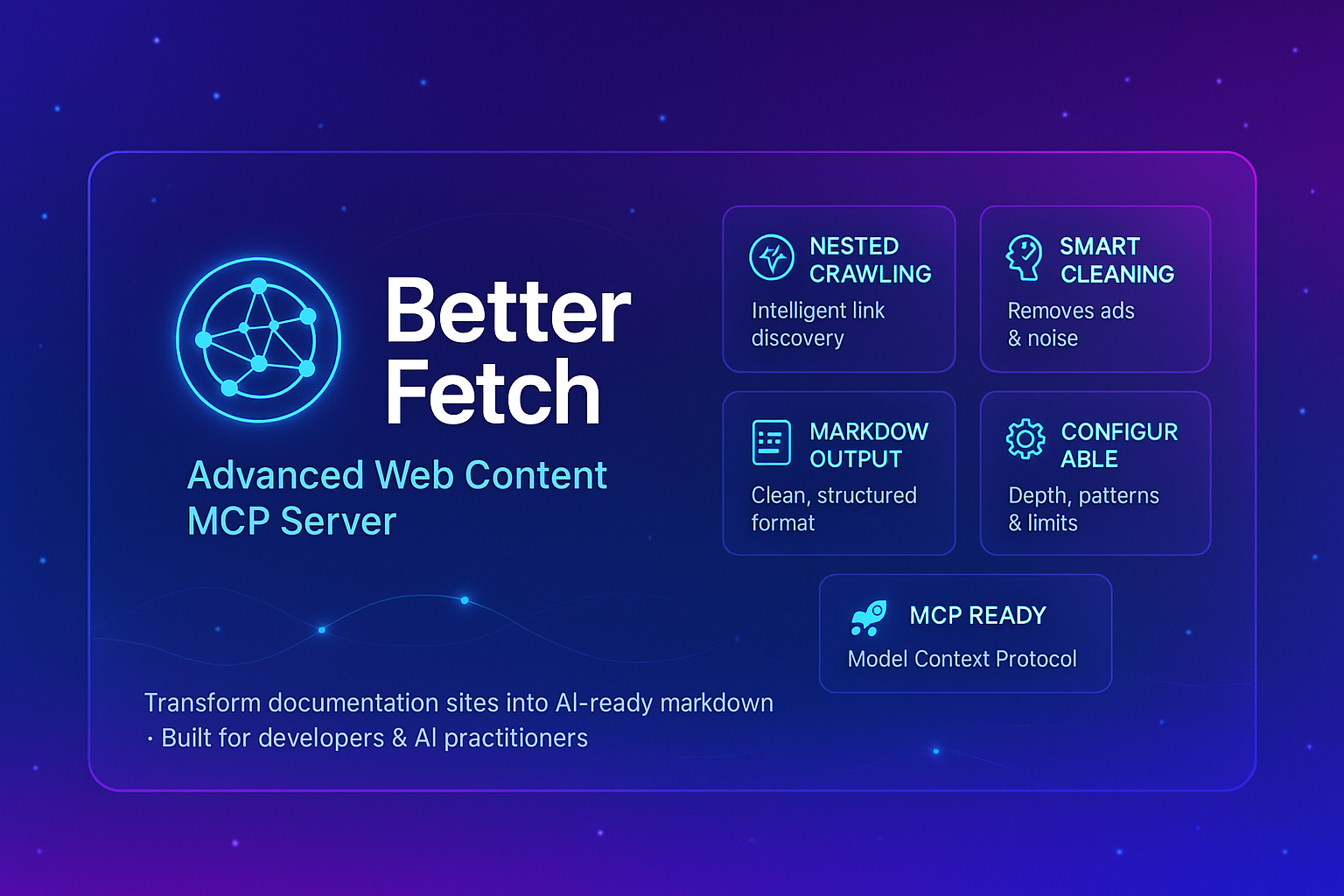
Better Fetch - Advanced Web Content MCP Server

A powerful Model Context Protocol (MCP) server that intelligently fetches and processes web content with nested URL crawling capabilities. Transform any documentation site or web resource into clean, structured markdown files perfect for AI consumption and analysis.
🚀 Key Features
🕸️ Smart Web Crawling
Nested URL Fetching: Automatically discovers and crawls linked pages up to configurable depth
Single Page Mode: Option for simple single-page content extraction
Domain Filtering: Stay within the same domain or allow cross-domain crawling
Pattern Matching: Include/exclude URLs based on regex patterns
🧠 Intelligent Content Processing
Content Cleaning: Removes ads, navigation, scripts, and other noise automatically
Smart Section Detection: Identifies main content areas (
<main>,<article>,.content)Automatic Titles: Generates meaningful section headers based on page titles and URL structure
Table of Contents: Creates organized TOC with proper nesting
📝 Advanced Markdown Generation
Clean Formatting: Converts HTML to well-structured markdown
Code Block Preservation: Maintains formatting for code snippets and technical content
Link Preservation: Keeps all important links with proper markdown syntax
Metadata Integration: Includes source URLs, generation timestamps, and site information
⚙️ Highly Configurable
Crawl Depth Control: Set maximum levels to crawl (default: 2)
Page Limits: Control maximum pages to process (default: 50)
Timeout Settings: Configurable request timeouts
Respectful Crawling: Built-in delays between requests
Error Handling: Graceful handling of failed requests and invalid URLs
Related MCP server: doc-lib-mcp
📋 Available Tools
1. fetch_website_nested
Comprehensive web crawling with nested URL processing.
Parameters:
url(required): Starting URL to crawlmaxDepth(optional, default: 2): Maximum crawl depthmaxPages(optional, default: 50): Maximum pages to processsameDomainOnly(optional, default: true): Restrict to same domainexcludePatterns(optional): Array of regex patterns to excludeincludePatterns(optional): Array of regex patterns to includetimeout(optional, default: 10000): Request timeout in milliseconds
2. fetch_website_single
Simple single-page content extraction.
Parameters:
url(required): URL to fetchtimeout(optional, default: 10000): Request timeout in milliseconds
💡 Use Cases
📚 Documentation Processing
API Documentation: Convert REST API docs, SDK guides, and technical references
Framework Docs: Process React, Vue, Angular, or any framework documentation
Library Guides: Extract comprehensive guides from library documentation sites
Tutorial Series: Gather multi-part tutorials into single organized documents
🔍 Content Analysis & Research
Competitive Analysis: Gather competitor documentation and feature descriptions
Market Research: Extract product information from multiple related pages
Academic Research: Collect and organize web-based research materials
Knowledge Base Creation: Transform scattered web content into structured knowledge bases
🤖 AI Training & Context
LLM Context Preparation: Create clean, structured content for AI model training
RAG System Input: Generate high-quality documents for Retrieval-Augmented Generation
Chatbot Knowledge: Build comprehensive knowledge bases for customer service bots
Content Summarization: Prepare web content for automated summarization tasks
🛠️ Installation & Setup
Quick Install via npm (Recommended)
The simplest way to use Better Fetch is via npx. Just add this to your MCP client configuration:
For Claude Desktop - Add to claude_desktop_config.json:
For VS Code MCP Extension:
This automatically downloads and runs the latest version without any manual installation or build steps.
Installing via Smithery
To install Better Fetch for Claude Desktop automatically via Smithery:
Prerequisites
Node.js 18+
npm or yarn
MCP-compatible client (Claude Desktop, VS Code with MCP extension, etc.)
Step 1: Clone and Install
Step 2: Build the Project
Step 3: Test the Server (Optional)
Step 4: Configure Your MCP Client
For Claude Desktop (Recommended - via npm):
Add to your claude_desktop_config.json:
For VS Code MCP Extension (Recommended - via npm):
For Custom MCP Client (via npm):
Manual Installation (Alternative)
If you prefer to install and build locally:
For Claude Desktop:
For VS Code MCP Extension:
📖 Usage Examples
Basic Documentation Crawling
Advanced Configuration
Single Page Extraction
📄 Sample Output
The server generates comprehensive markdown files with the following structure:
For a complete example, refer to output.md which demonstrates the server's output when processing a real documentation site.
🔧 Development
Project Structure
Available Scripts
Testing Your Changes
🚦 Performance & Limits
Default Limits
Max Depth: 2 levels (configurable)
Max Pages: 50 pages (configurable)
Request Timeout: 10 seconds (configurable)
Crawl Delay: 500ms between requests (respectful crawling)
Performance Tips
Set appropriate
maxPageslimits for large sitesUse
includePatternsto focus on relevant contentEnable
sameDomainOnlyto avoid external link crawlingAdjust
timeoutbased on target site response times
🤝 Contributing
We welcome contributions! Please see our Contributing Guide for details.
Development Setup
Fork the repository
Create a feature branch:
git checkout -b feature/amazing-featureMake your changes and add tests
Commit your changes:
git commit -m 'Add amazing feature'Push to the branch:
git push origin feature/amazing-featureOpen a Pull Request
📜 License
This project is licensed under the MIT License - see the LICENSE file for details.
🆘 Support & Issues
Bug Reports: GitHub Issues
Feature Requests: GitHub Discussions
Documentation: Check the Wiki
npm Package: @infero.mcp/better-fetch
🙏 Acknowledgments
Built with the Model Context Protocol SDK
Powered by Cheerio for HTML parsing
Markdown conversion by Turndown
Made with ❤️ for the AI and developer community

