
The Shrimp Task Manager provides an intelligent task management system for AI-assisted programming workflows by breaking down tasks, planning, executing, and verifying them systematically.
Core Functionality:
Task Planning: Initialize and detail workflows with clear goals and success criteria
Task Analysis: Assess requirements, technical feasibility, and risks, providing pseudocode where needed
Task Decomposition: Break complex tasks into manageable subtasks with dependencies and priorities
Task Execution & Verification: Execute plans and verify completion against defined criteria
Task Management: List, update, delete, or complete tasks while maintaining system integrity
Advanced Features:
Project Standards: Initialize or update rules for consistency across projects
Task Search: Query tasks by keyword or retrieve specific task details by ID
Thought Processing: Support structured, iterative thinking for problem analysis
Memory & History: Store execution history for reference and knowledge accumulation
Customization: Fine-tune AI assistant responses via environment variables and templates
Integration: Support for Model Context Protocol (MCP) compatible clients and optional web GUI
Supports configuration through environment variables, allowing customization of prompts and system behavior without modifying code.
Leverages Node.js as the runtime environment for the task management system, enabling efficient execution of the MCP server and its task management capabilities.
Uses TypeScript to provide a type-safe development environment for the task management system, enhancing code reliability and maintainability.
Click on "Install Server".
Wait a few minutes for the server to deploy. Once ready, it will show a "Started" state.
In the chat, type
@followed by the MCP server name and your instructions, e.g., "@Shrimp Task Managerplan task: implement user authentication with OAuth"
That's it! The server will respond to your query, and you can continue using it as needed.
Here is a step-by-step guide with screenshots.
🇺🇸 English | 🇩🇪 Deutsch | 🇪🇸 Español | 🇫🇷 Français | 🇮🇹 Italiano | 🇮🇳 हिन्दी | 🇰🇷 한국어 | 🇧🇷 Português | 🇷🇺 Русский | 🇨🇳 中文
MCP Shrimp Task Manager
🦐 Intelligent task management for AI-powered development - Break down complex projects into manageable tasks, maintain context across sessions, and accelerate your development workflow.
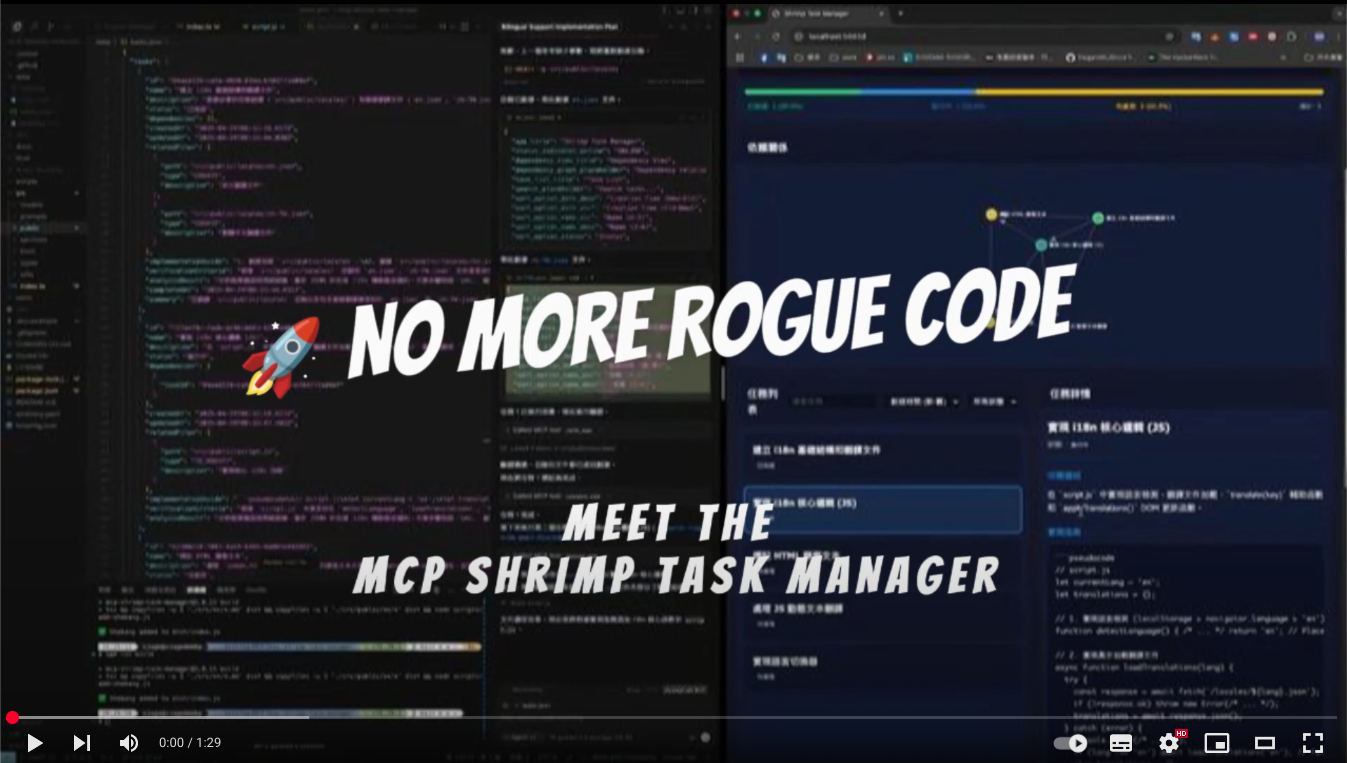
Watch Demo Video • Quick Start • Documentation
🚀 Quick Start
Prerequisites
Node.js 18+
npm or yarn
MCP-compatible AI client (Claude Code, etc.)
Installation
Installing Claude Code
Windows 11 (with WSL2):
macOS/Linux:
Installing Shrimp Task Manager
Configure Claude Code
Create a .mcp.json file in your project directory:
Example configuration:
Then start Claude Code with your custom MCP configuration:
Cline (VS Code Extension): A VS Code extension for AI-assisted coding. Add to VS Code settings.json under cline.mcpServers
Claude Desktop: Add to ~/Library/Application Support/Claude/claude_desktop_config.json (macOS) or %APPDATA%\Claude\claude_desktop_config.json (Windows)
Start Using
Initialize your project:
"init project rules"Plan a task:
"plan task: implement user authentication"Execute tasks:
"execute task"or"continuous mode"
Related MCP server: Vibe Coder MCP
💡 What is Shrimp?
Shrimp Task Manager is an MCP (Model Context Protocol) server that transforms how AI agents approach software development. Instead of losing context or repeating work, Shrimp provides:
🧠 Persistent Memory: Tasks and progress persist across sessions
📋 Structured Workflows: Guided processes for planning, execution, and verification
🔄 Smart Decomposition: Automatically breaks complex tasks into manageable subtasks
🎯 Context Preservation: Never lose your place, even with token limits
✨ Core Features
Task Management
Intelligent Planning: Deep analysis of requirements before implementation
Task Decomposition: Break down large projects into atomic, testable units
Dependency Tracking: Automatic management of task relationships
Progress Monitoring: Real-time status tracking and updates
Advanced Capabilities
🔬 Research Mode: Systematic exploration of technologies and solutions
🤖 Agent System: Assign specialized AI agents to specific tasks (Learn more)
📏 Project Rules: Define and maintain coding standards across your project
💾 Task Memory: Automatic backup and restoration of task history
Web Interfaces
🖥️ Task Viewer
Modern React interface for visual task management with drag-and-drop, real-time search, and multi-profile support.
Quick Setup:
📖 Full Task Viewer Documentation
🌐 Web GUI
Optional lightweight web interface for quick task overview.
Enable in .env: ENABLE_GUI=true
📚 Documentation
🎯 Common Use Cases
🛠️ Configuration
Environment Variables
Create a .env file:
Available Commands
Command | Description |
| Initialize project standards |
| Create a task plan |
| Execute specific task |
| Execute all tasks sequentially |
| Show all tasks |
| Enter research mode |
| Review and improve task |
🤝 Contributing
We welcome contributions! Please see our Contributing Guide for details.
📄 License
This project is licensed under the MIT License - see the LICENSE file for details.
🌟 Credits
Created by cjo4m06 and maintained by the community.