
Click on "Install Server".
Wait a few minutes for the server to deploy. Once ready, it will show a "Started" state.
In the chat, type
@followed by the MCP server name and your instructions, e.g., "@WCAG Color Contrast MCP Servercheck if #333333 on #f0f0f0 meets WCAG AA for normal text"
That's it! The server will respond to your query, and you can continue using it as needed.
Here is a step-by-step guide with screenshots.
WCAG MCP Server
A Model Context Protocol (MCP) server for WCAG color contrast checking and accessibility analysis. Built with Bun, TypeScript, and Culori.
Rationale
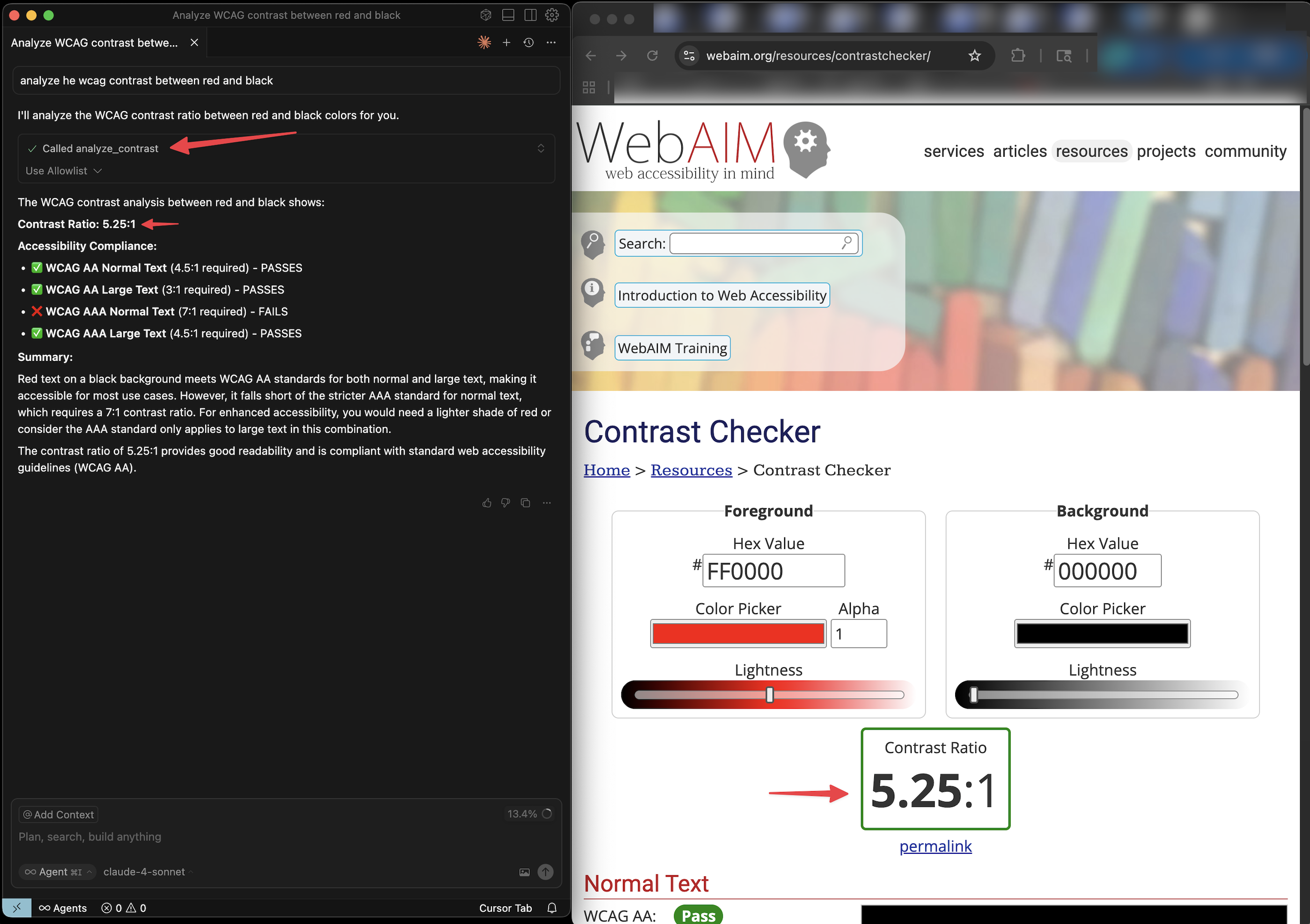
LLMs will attempt to give you WCAG contrast scores for color pairs, but they are often inaccurate because the LLM is not running the actual equations for determine contrast between colors. This MCP server provides that capability.
Quick Start
MCP Configuration
Add to your MCP client configuration:
Tools
analyze_contrast
Calculate WCAG contrast ratio between two colors.
Returns ratio, compliance levels, and color details.
get_color_luminance
Get color luminance value and format conversions.
Returns luminance and formatted color values.
check_wcag_compliance
Check specific WCAG compliance.
batch_contrast
Analyze multiple color pairs.
Color Formats
Supports any format Culori can parse:
Hex:
#ff0000,#f00CSS:
rgb(255,0,0),hsl(0,100%,50%)Named:
red,blue,whiteModern:
oklch(0.7 0.15 180)
WCAG Standards
Level | Normal Text | Large Text |
AA | 4.5:1 | 3:1 |
AAA | 7:1 | 4.5:1 |
Development
License
MIT