YouTube MCP Server
Production-grade Model Context Protocol (MCP) server for YouTube intelligence. Extract, analyze, and automate insights from YouTube channels and videos using the official YouTube Data API v3.
Built for AI agents, automation pipelines, and content intelligence workflows.
What This Does
This MCP server exposes 16 specialized tools for YouTube analytics and automation:
Channel Intelligence — subscriber counts, video lists, upload patterns, topic analysis
Video Analytics — detailed metadata, engagement metrics, performance comparison
Content Optimization — SEO scoring, tag analysis, thumbnail evaluation
Audience Insights — comment extraction, keyword analysis, sentiment signals
Trend Discovery — trending video tracking, competitive benchmarking
Built with zero scraping — uses only official YouTube Data API v3 endpoints for reliability and quota efficiency.
Related MCP server: AI Agent MCP Server
Prerequisites
YouTube Data API Key
You must have a YouTube Data API v3 key to use this server.
Get your API key:
Go to Google Cloud Console
Create a new project (or select existing)
Enable YouTube Data API v3:
Create credentials:
Quota: Free tier provides 10,000 units/day (sufficient for ~100-500 tool calls depending on complexity).
Installation
Step 1: Clone the repository
git clone https://github.com/Yashkashte5/Youtube-MCP.git
cd Youtube-MCP
Step 2: Install dependencies
pip install -r requirements.txt
Dependencies installed:
mcp — MCP protocol server framework
requests — YouTube Data API v3 HTTP client
youtube-transcript-api — transcript fetching (no OAuth)
Pillow — thumbnail image analysis
nltk — natural language processing for comment keywords
python-dotenv — environment variable management
Step 3: Configure API key
Create a .env file in the project root:
YOUTUBE_API_KEY=YOUR_API_KEY_HERE
Important: Never commit .env to git. It's already in .gitignore.
Running the Server
Standalone (for testing)
With Claude Desktop
Add to your claude_desktop_config.json:
macOS: ~/Library/Application Support/Claude/claude_desktop_config.json
Windows: %APPDATA%\Claude\claude_desktop_config.json
{
  "mcpServers": {
    "youtube-mcp": {
      "command": "python",
      "args": ["/absolute/path/to/Youtube-MCP/server.py"]
    }
  }
}
Replace /absolute/path/to/Youtube-MCP/ with your actual project path.
Then: Fully quit and relaunch Claude Desktop.
Tools Reference (16 Total)
Channel Analysis
get_channel_overview
Subscriber count, total views, video count, creation date
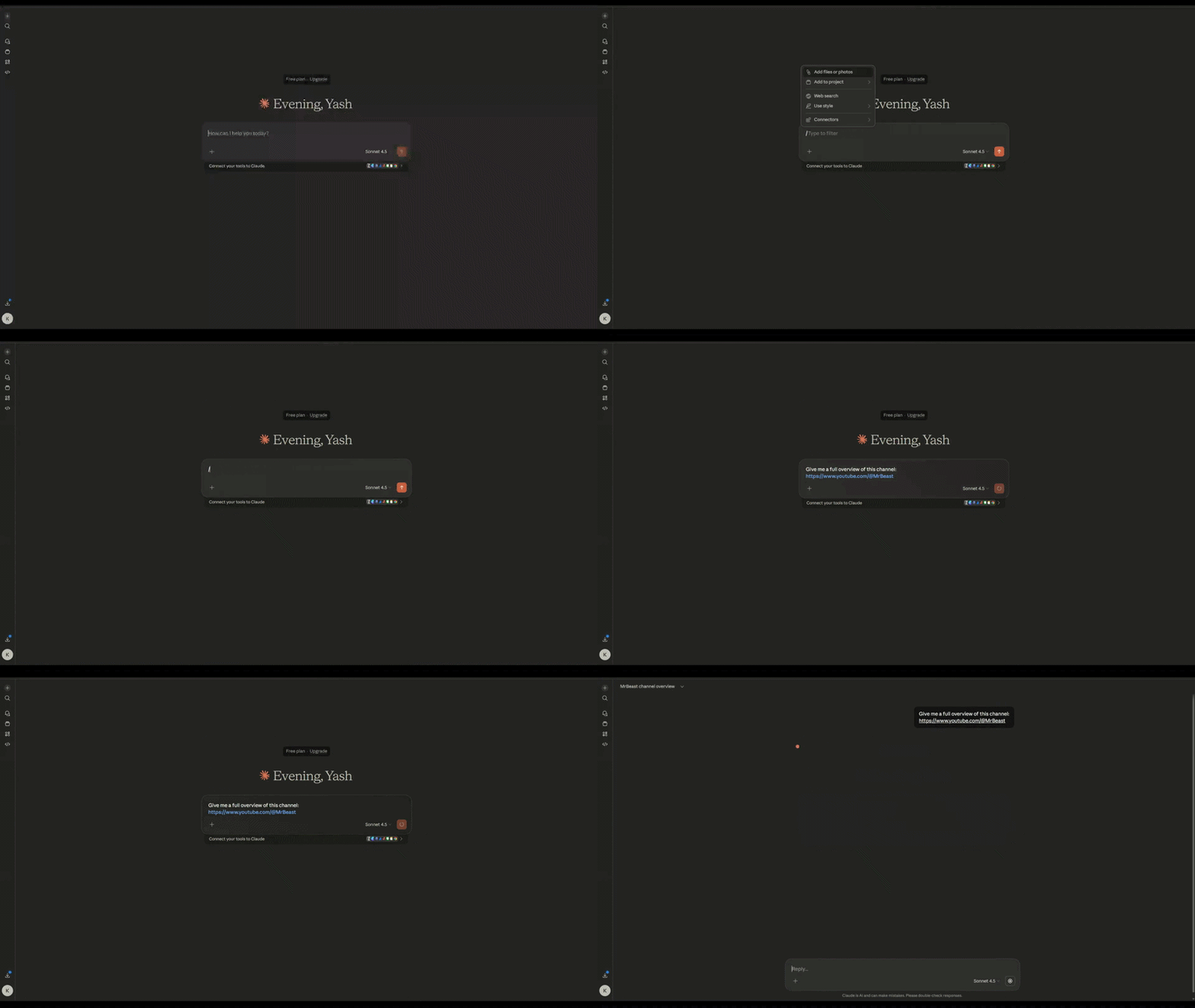
get_channel_videos
Recent video list with views, likes, comments, duration

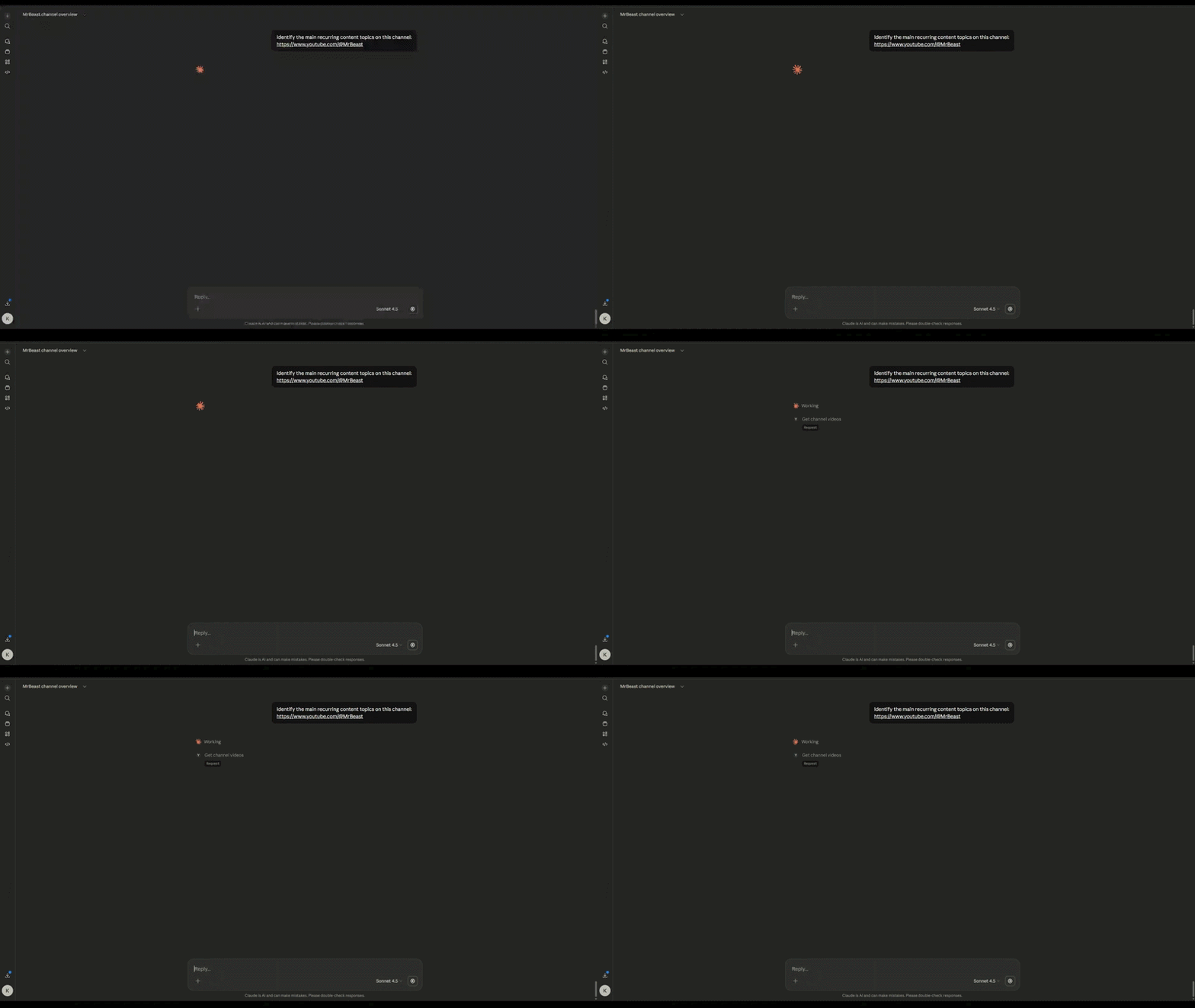
get_channel_topics
YouTube's topic categories (Gaming, Music, Tech, etc.)
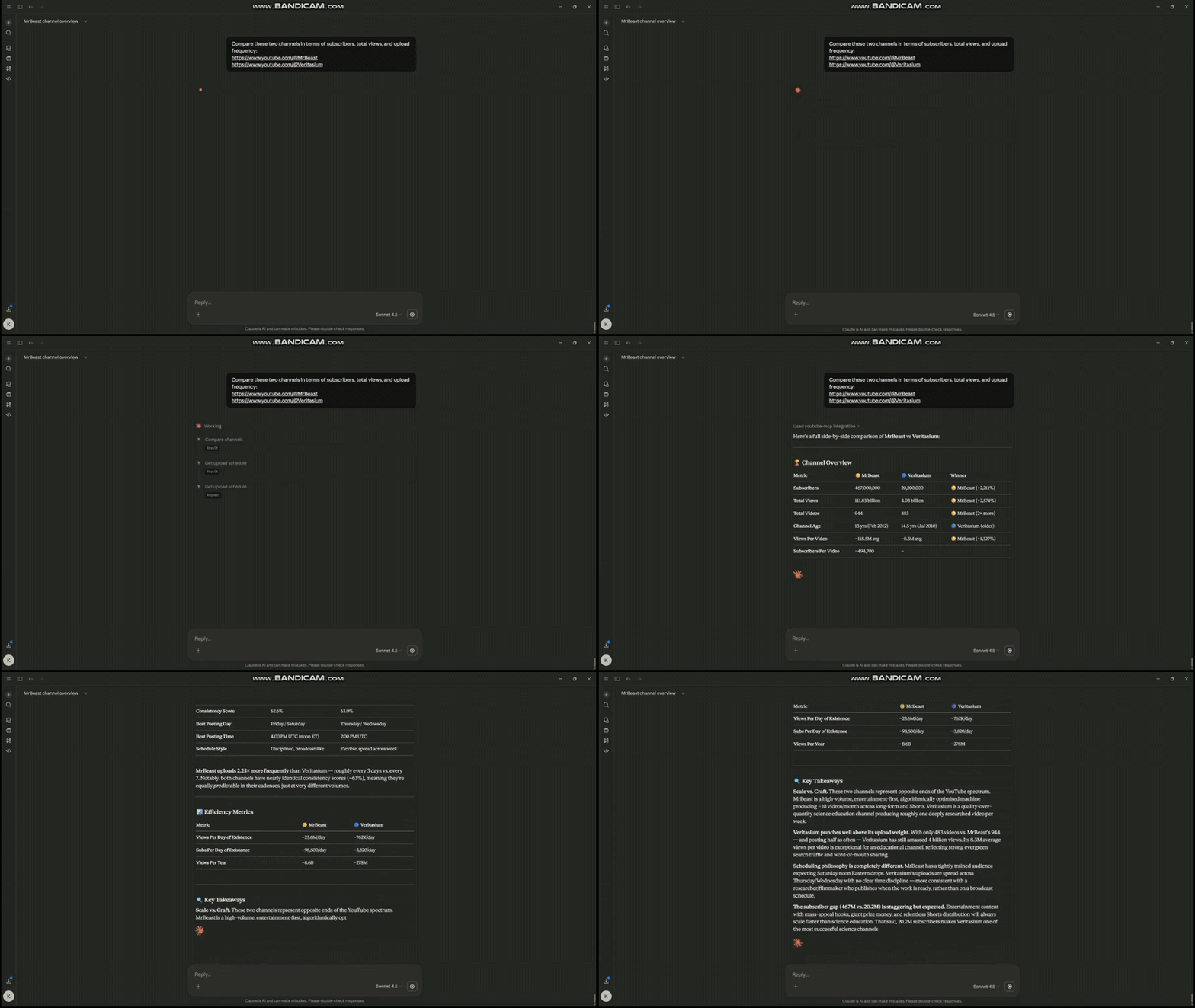
compare_channels
Side-by-side channel comparison (max 5 channels)
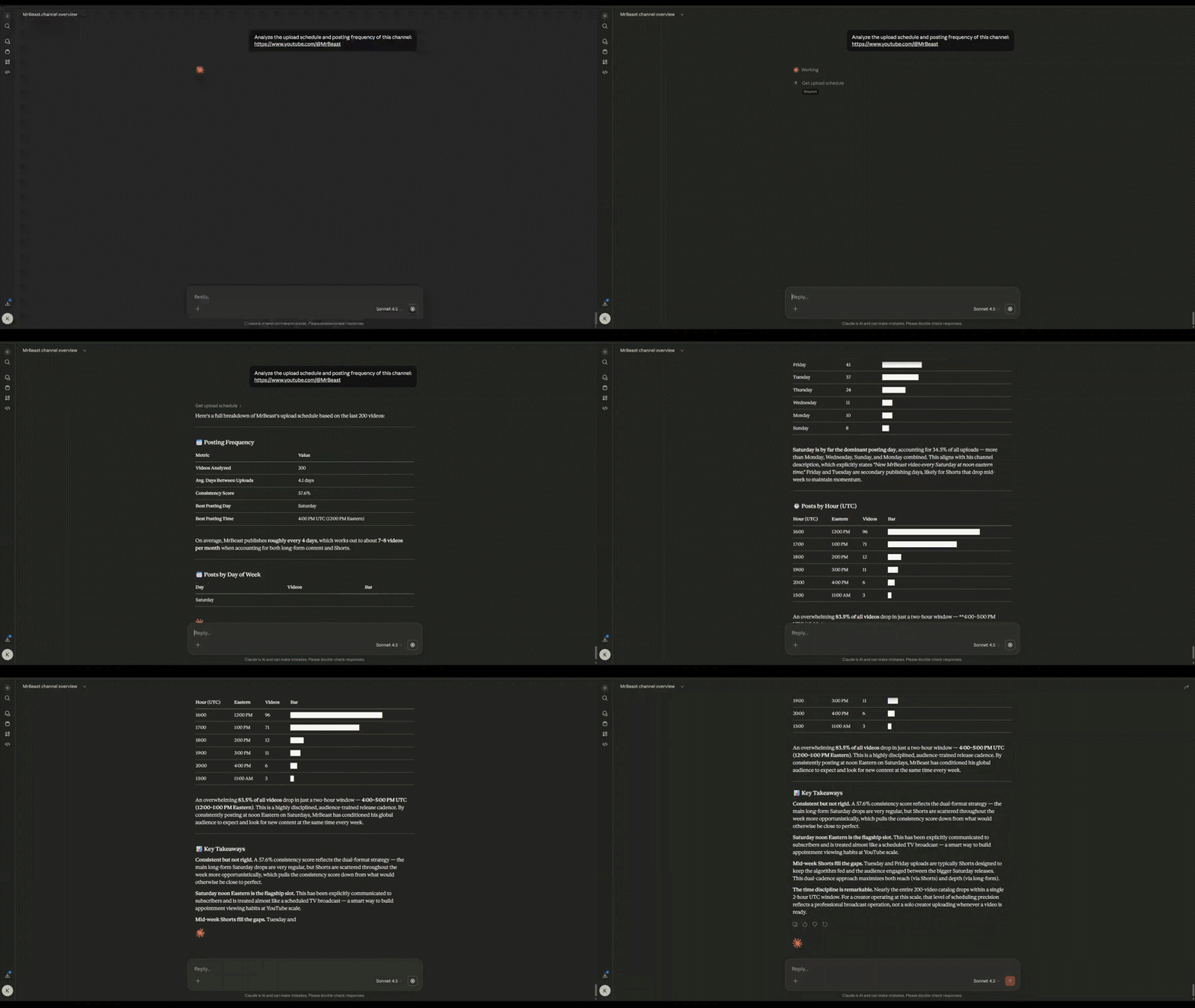
get_upload_schedule
Posting frequency by day/hour, consistency score
Video Intelligence
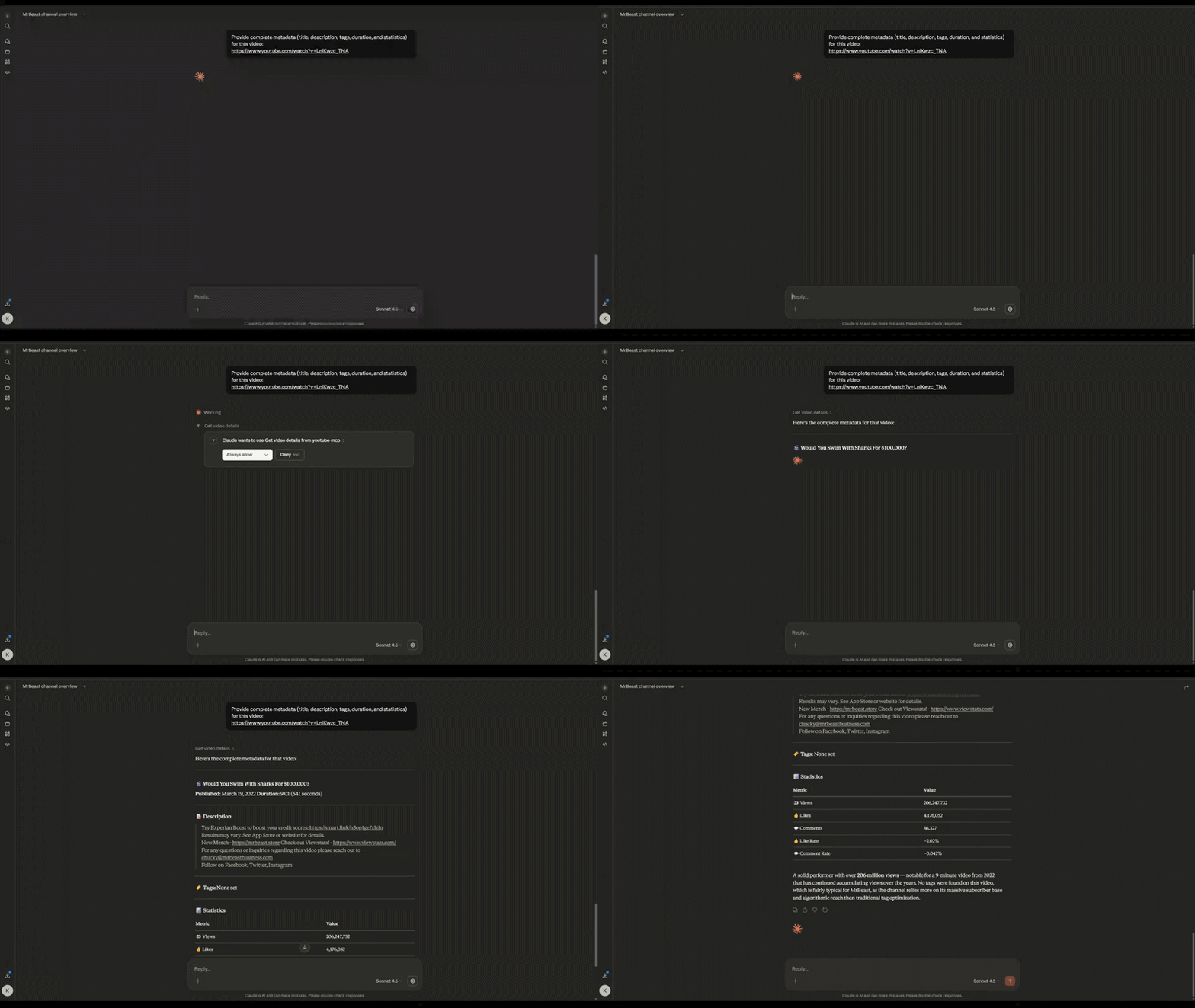
get_video_details
Full metadata: title, description, tags, stats
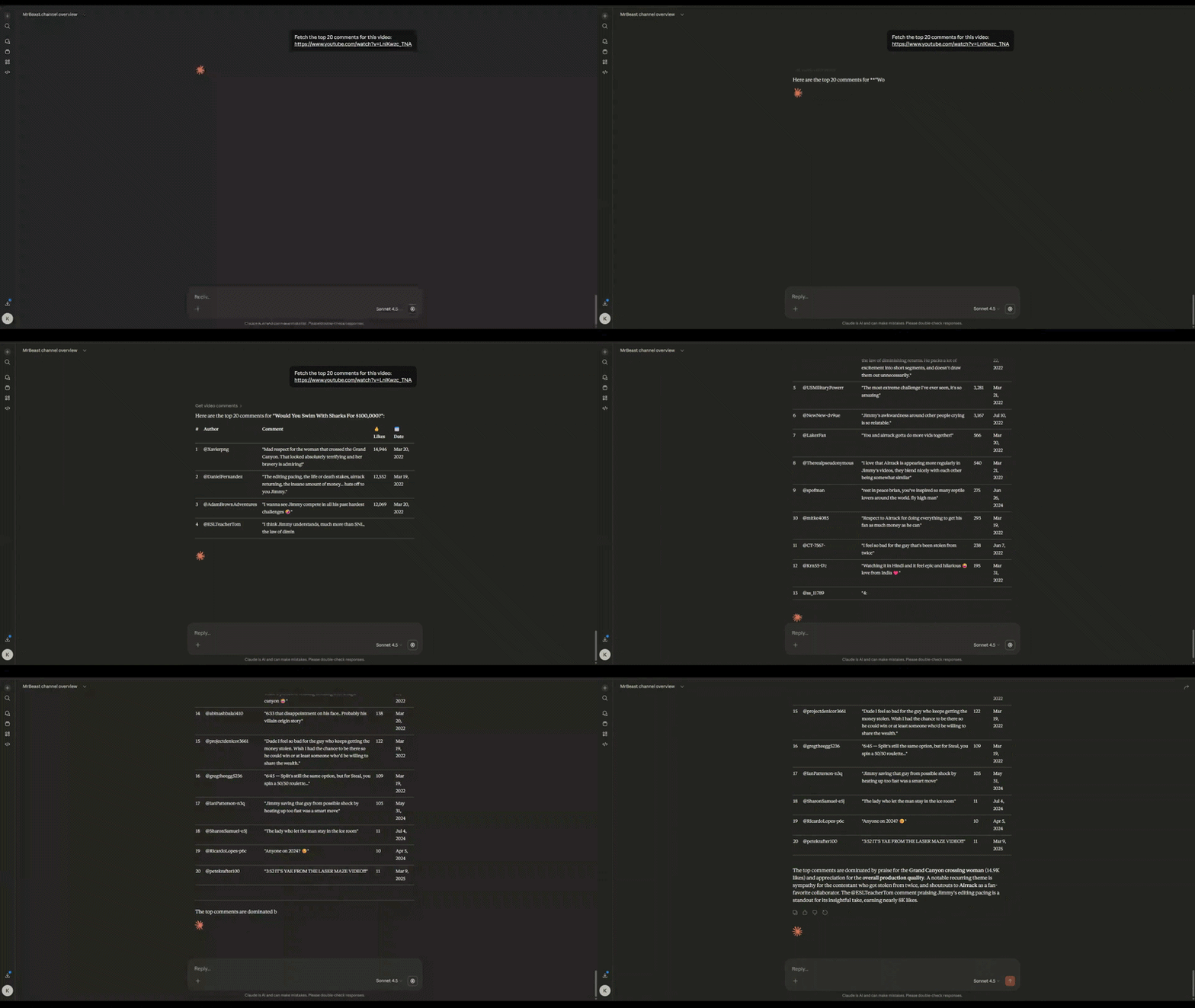
Top comments sorted by relevance with like counts
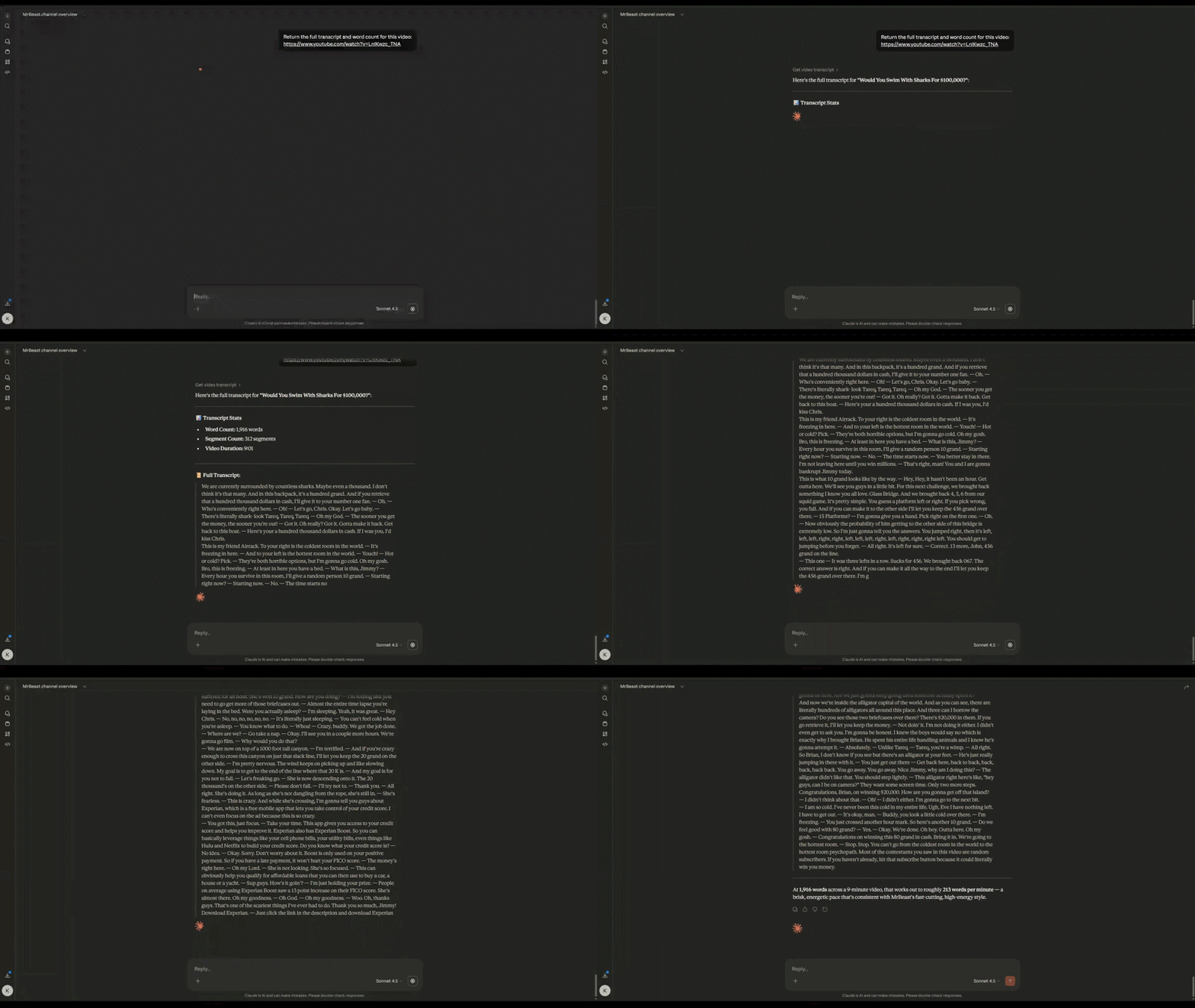
get_video_transcript
Auto-generated or manual transcripts for NLP
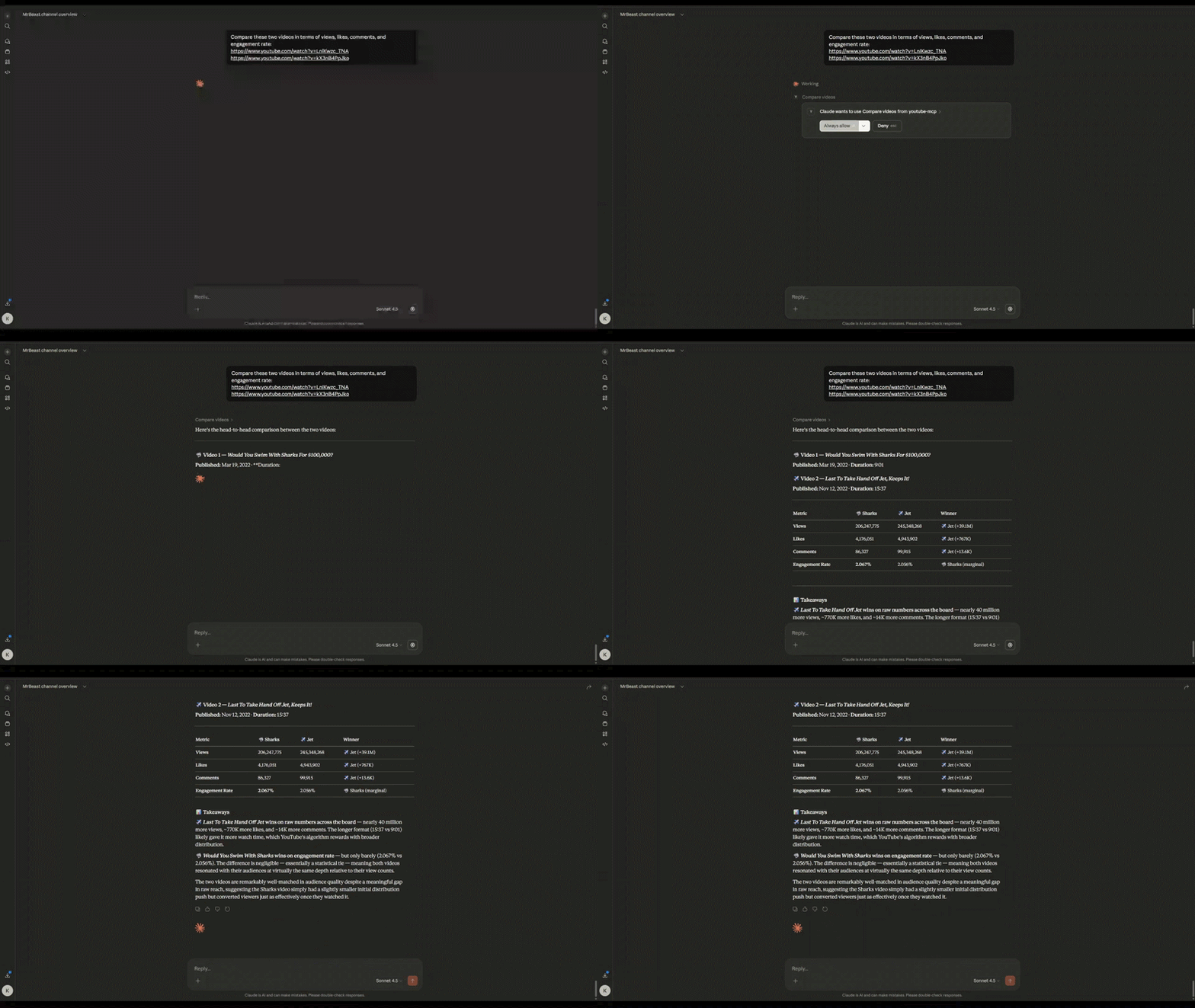
compare_videos
Performance comparison across multiple videos
get_top_videos
Channel's best performers by views/likes/engagement

SEO & Optimization
analyze_thumbnail
Thumbnail URL, resolution, file size metadata

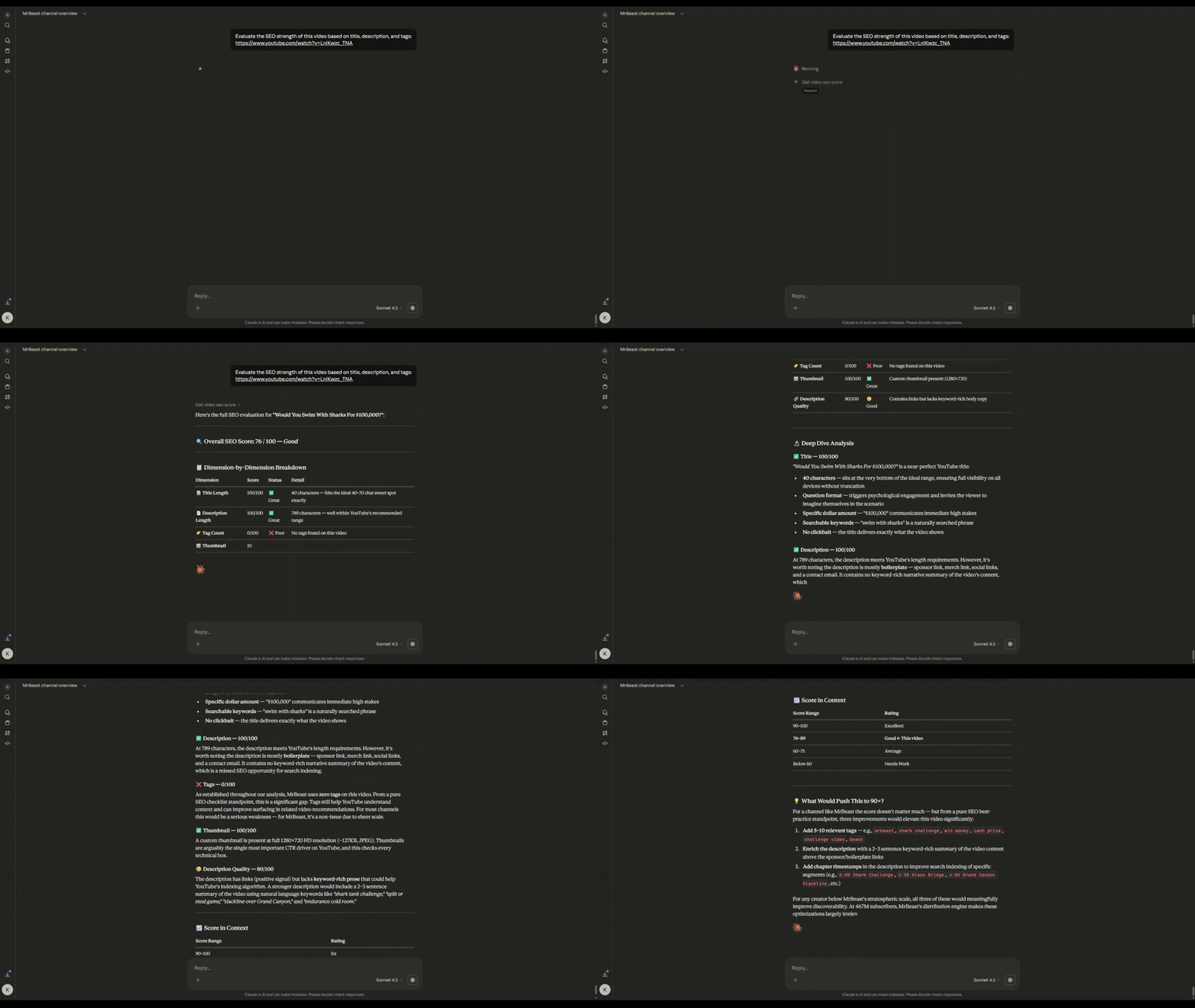
get_video_seo_score
0-100 score: title, description, tags, thumbnail quality
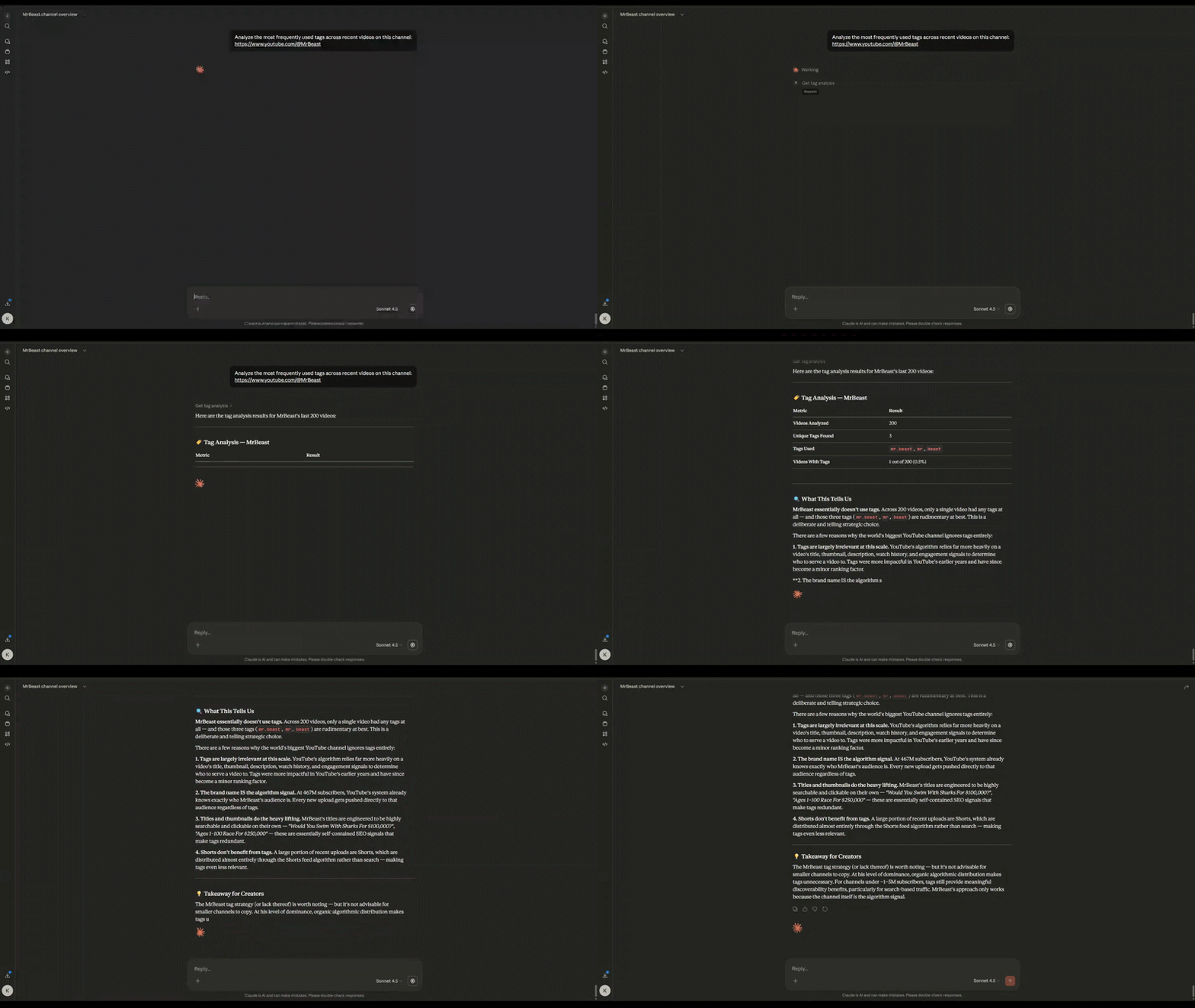
get_tag_analysis
Tag frequency and correlation with video performance
get_trending_videos
Popular videos by region/category (Music, Gaming, Movies)

Advanced Analytics
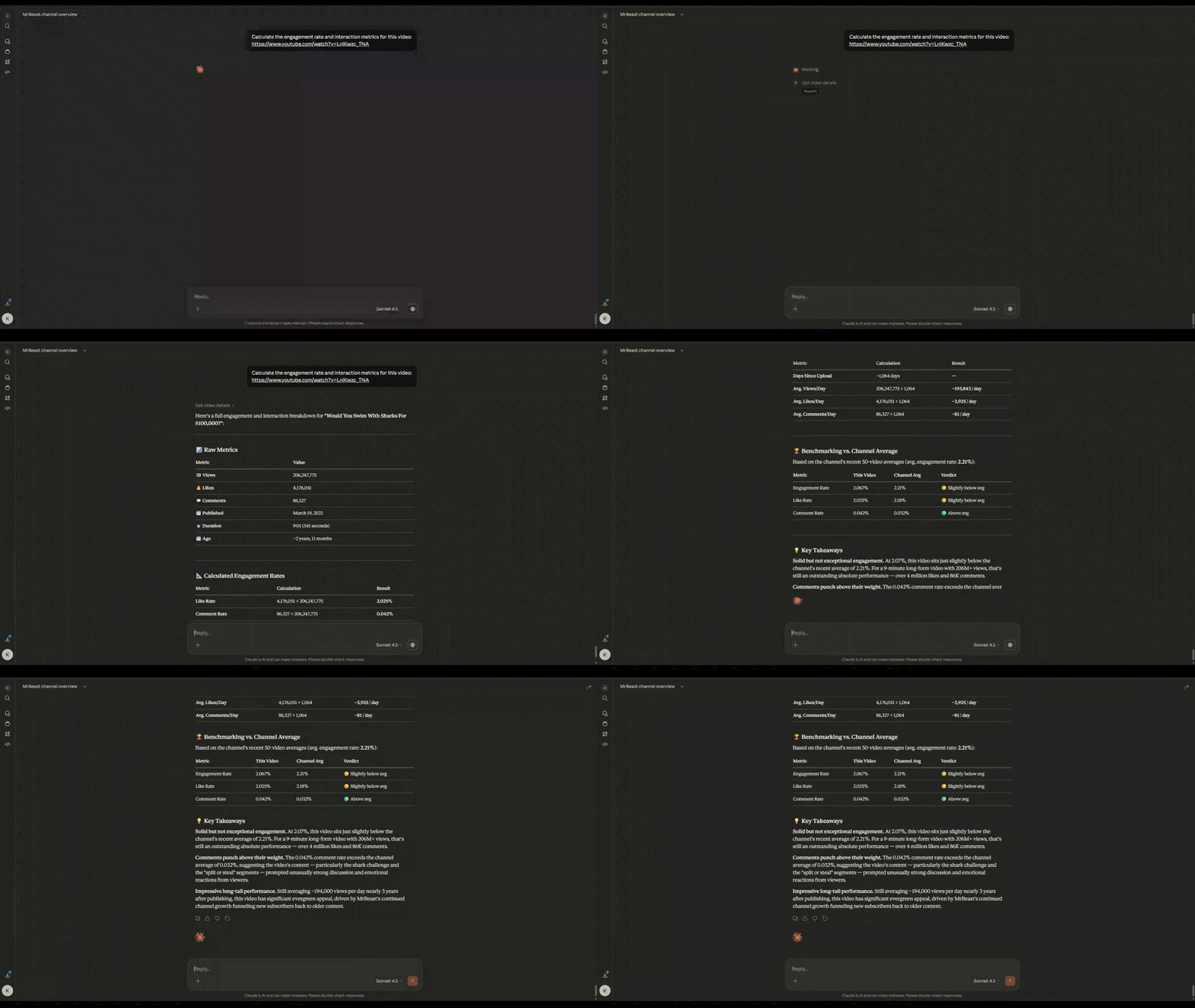
get_engagement_stats
Like rate, comment rate, engagement rate per video
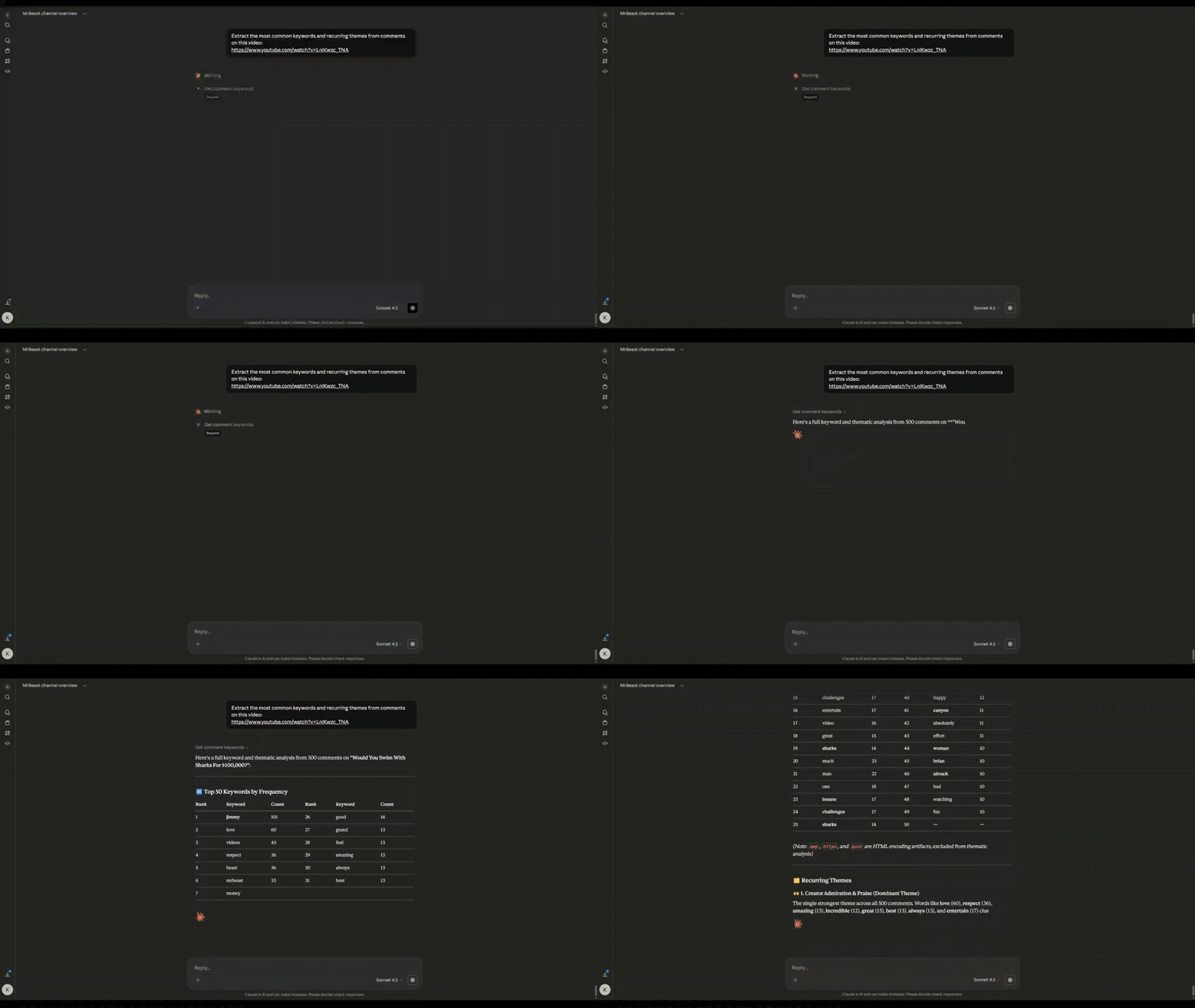
Most frequent words in comments (stopwords filtered)
Architecture
┌─────────────────────────────────────────────────────┐
│  AI Agent / Claude Desktop / MCP Client             │
└──────────────────────┬──────────────────────────────┘
                       │ MCP Protocol
┌──────────────────────▼──────────────────────────────┐
│  server.py                                          │
│  ├─ Tool registration & MCP handlers                │
│  └─ JSON schema definitions                         │
└──────────────────────┬──────────────────────────────┘
                       │ Function calls
┌──────────────────────▼──────────────────────────────┐
│  main.py                                            │
│  ├─ 16 tool implementations                         │
│  ├─ YouTube Data API v3 integration                 │
│  ├─ Transcript API                                  │
│  └─ Data normalization & error handling             │
└──────────────────────┬──────────────────────────────┘
                       │ HTTPS
┌──────────────────────▼──────────────────────────────┐
│  YouTube Data API v3                                │
│  ├─ channels.list                                   │
│  ├─ videos.list                                     │
│  ├─ playlistItems.list                              │
│  ├─ commentThreads.list                             │
│  └─ Public data only                                │
└─────────────────────────────────────────────────────┘
Design principles:
MCP = Data layer — deterministic, normalized JSON outputs
AI = Reasoning layer — interprets data, generates insights
No scraping — official API only for reliability
Quota efficient — uses playlistItems.list instead of expensive search.list
Project Structure
Youtube-MCP/
├── server.py              # MCP server, tool registration, schema definitions
├── main.py                # Tool implementations, YouTube API integration
├── requirements.txt
├── .env                   # API key
├── .gitignore
├── Demos/
└── README.md
Example Use Cases
AI Agents
Automated YouTube research assistants
Content strategy recommendation systems
Competitive intelligence bots
Analytics Pipelines
Channel performance dashboards
Engagement trend tracking
Audience sentiment analysis
Content Optimization
Research
Contributing
Contributions welcome. Focus areas:
Tool reliability — edge case handling, error messages
Performance — quota optimization, caching strategies
New tools — playlist analytics, growth metrics, predictions
Documentation — usage examples, best practices
To contribute:
Fork the repository
Create a feature branch (git checkout -b feature/new-tool)
Commit changes (git commit -m 'Add new tool: X')
Push to branch (git push origin feature/new-tool)
Open a Pull Request
License
MIT License — see LICENSE file for details.
Author
Yash Kashte
GitHub: @Yashkashte5
Project: Youtube-MCP


